
Coach your clients
A program builder that keeps up with how you program
Templates, cloning and progression rules for load, RPE and %1RM. Write a block once, give it to the right clients, and see what they actually lifted.

What you get
Why coaches pick Program Builder
Write your method once
Save any program as a template and clone it to a client in a few clicks, changing only what's theirs.
Progression that does the arithmetic
Set how a lift should move from week to week, in kilos, reps, RPE or a percentage of a client's 1RM.
See what was planned next to what was lifted
The progression panel puts the numbers you prescribed beside the numbers the client logged, set by set.
165 exercises with video, plus your own
Upload your own clips for the movements you coach your way, and run in-person sessions in Live Training.
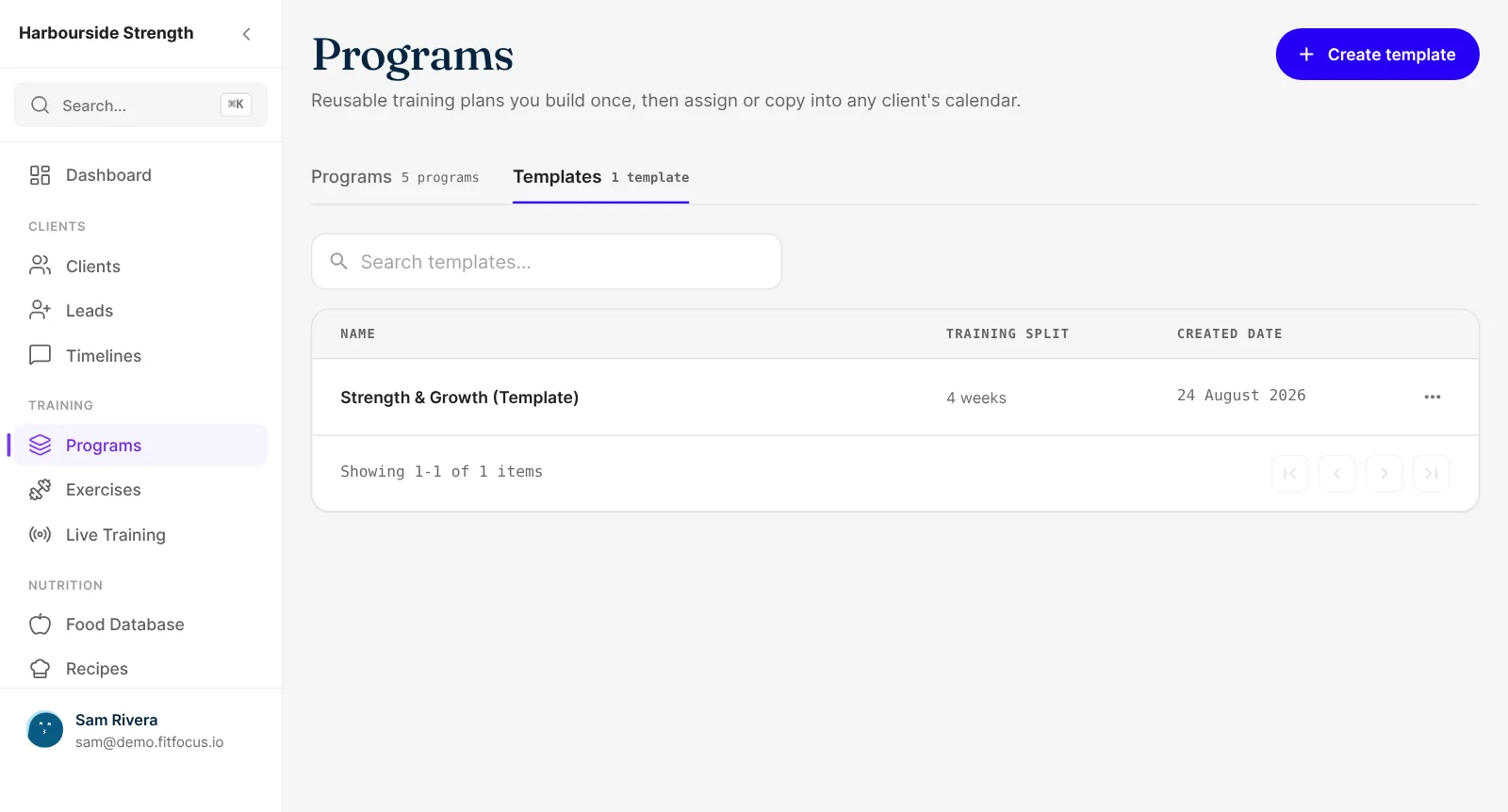
Templates
Write your method once, then reuse it
Save any program as a template and clone it to a client in a few clicks. Change what's theirs and leave the rest. Everything autosaves, and earlier versions are kept, so an edit you regret isn't permanent.
- Templates your whole team can use
- Clone a program to another client
- Autosave and saved versions
Progression
Progression rules for load, RPE and %1RM
Set how a lift should move from week to week and the builder does the arithmetic. Prescribe in the unit you coach in, whether that's kilos, reps, RPE or a percentage of a client's 1RM.
- Rules for load, RPE and %1RM
- Load, rep and intensity units per exercise
- Draft a program from a written description, then edit it
Prescribed against logged
See what was planned next to what was lifted
The progression panel puts the numbers you prescribed beside the numbers the client logged, set by set. You can tell in a glance whether a block is landing or needs a change before the next one starts. Clients can log late, too, and the session counts on the day they trained.
- Progression panel for every exercise
- Late logging on the day the client actually trained
- Alternative exercises for a busy rack or a sore shoulder
Exercise library and Live Training
165 exercises with video, plus your own
The library comes with 165 exercises, each with a demo video. Upload your own clips for the movements you coach your way. When a client is in front of you, run the session in Live Training and record it as you go.
- 165 exercises with demo video
- Upload your own exercises and videos
- Live Training for in-person sessions

From template to logged session
Build or pick a template
Start from one of yours, or describe the block and edit the draft.
Give it to a client
Clone it, adjust what's individual and set the progression.
They train in your app
Clients see today's session with video and log every set.
Review and adjust
Check prescribed against logged and change the next block.
Keep exploring
Related features
Health Data and Progress Tracking
Sleep, readiness and activity from Apple Health, Health Connect, Oura, Whoop and Garmin, plus check-ins, measurements and photos. Book a demo.
White-Label Client App
Your own coaching app in the App Store and Google Play, with your name, icon and colours. Clients train, eat, check in and message in it. Book a demo.
Questions
Frequently asked
Yes. Set a progression rule on an exercise for load, RPE or %1RM, and each week's prescription follows it. You can still change any single session by hand.
No. Clients open your branded app, see today's session with demo videos and log each set there. See the white-label client app.
When they finish, they can pick the day and time they actually trained. Their record, streak and your dashboard all count it on that day.
Yes. Add exercises to the library with your own videos, and give any exercise a list of alternatives.
Yes. Templates belong to the business, so every coach works from the same library. The way teams keep a house method is in our guide to programming template governance.