
Run a steps, active calories or sleep quality challenge for your clients
Community challenges can now count steps, active calories or sleep quality. Set the dates, and clients who've connected their health data in the app can join.
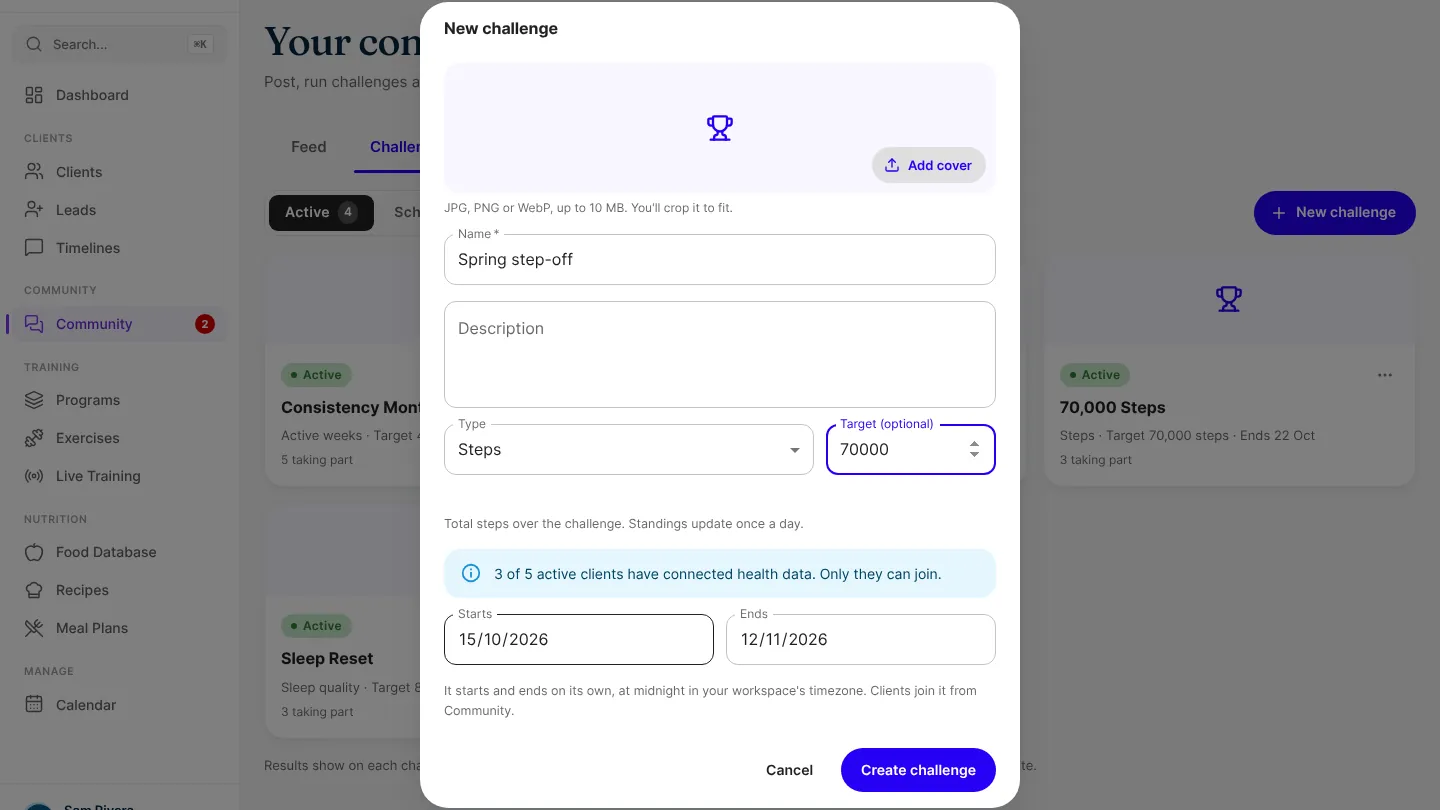
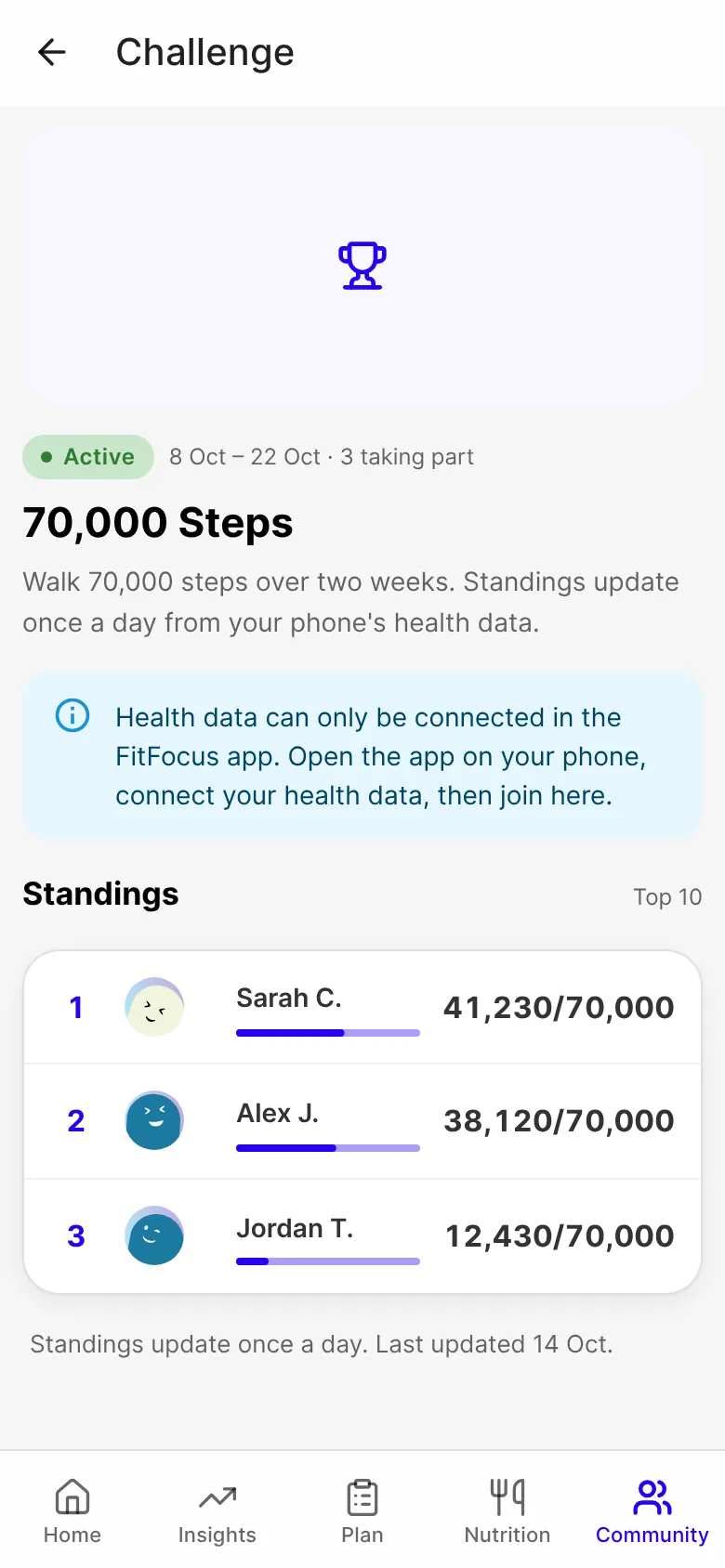
Challenges in your community can now count what your clients do outside the gym. Choose steps, active calories or sleep quality, set the dates, and clients who've connected their health data in the FitFocus app can join.
Three new things to count
- Steps: each client's total over the challenge.
- Active calories: each client's total, in kcal, over the challenge.
- Sleep quality: the average of each client's nightly sleep scores, as a percentage.
Set a target, the dates and a cover as you would for any challenge. As you create one, you see how many of your active clients have connected health data.
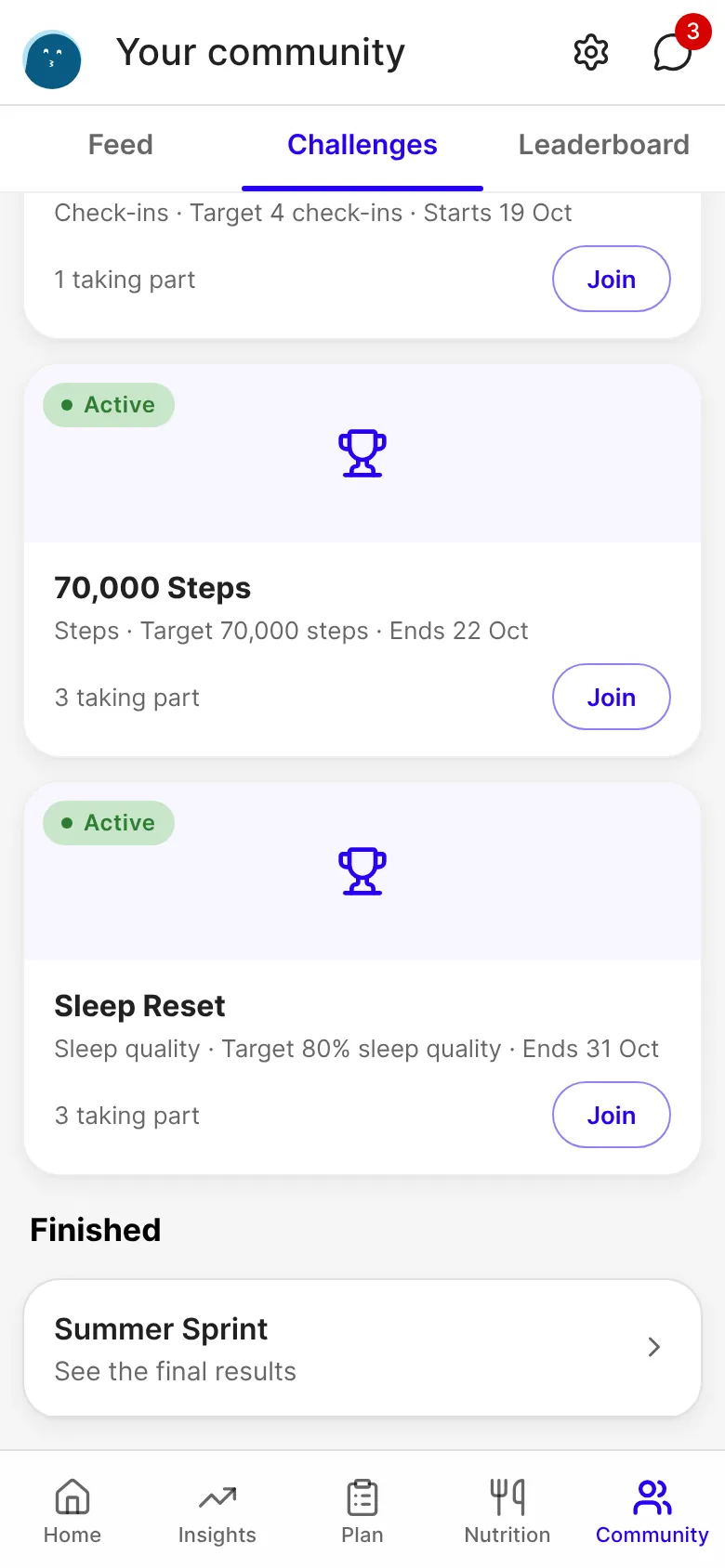
Standings update once a day
A client's health data reaches FitFocus once a day, so these standings aren't live. Each board says so. When a challenge ends, its board reads as still finishing for a few days while the last day's data arrives, then shows the final results.
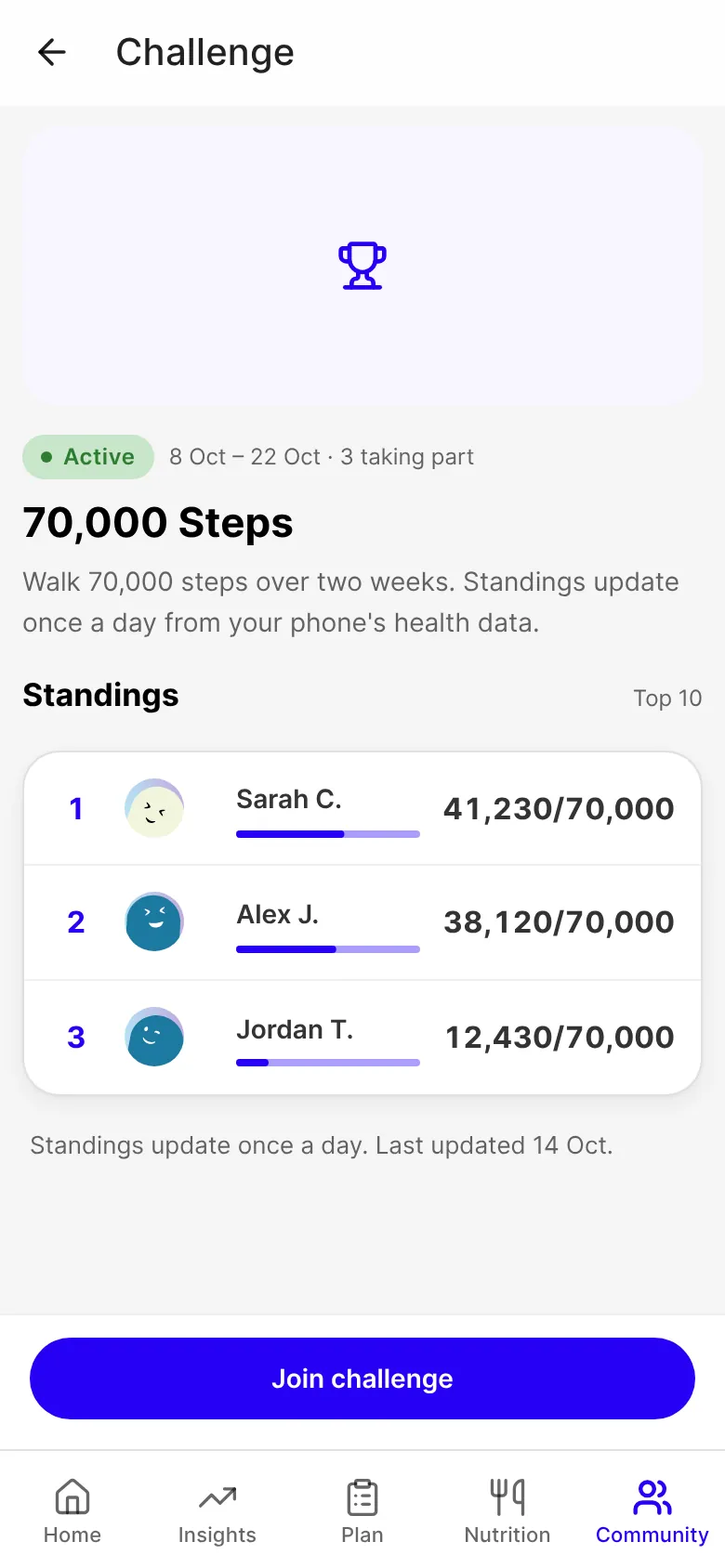
Sleep quality is ranked after three nights
A client appears in the ranking once they have three nights of sleep data. Until then the board lists them as not ranked yet, instead of at the bottom on zero.
Good to know
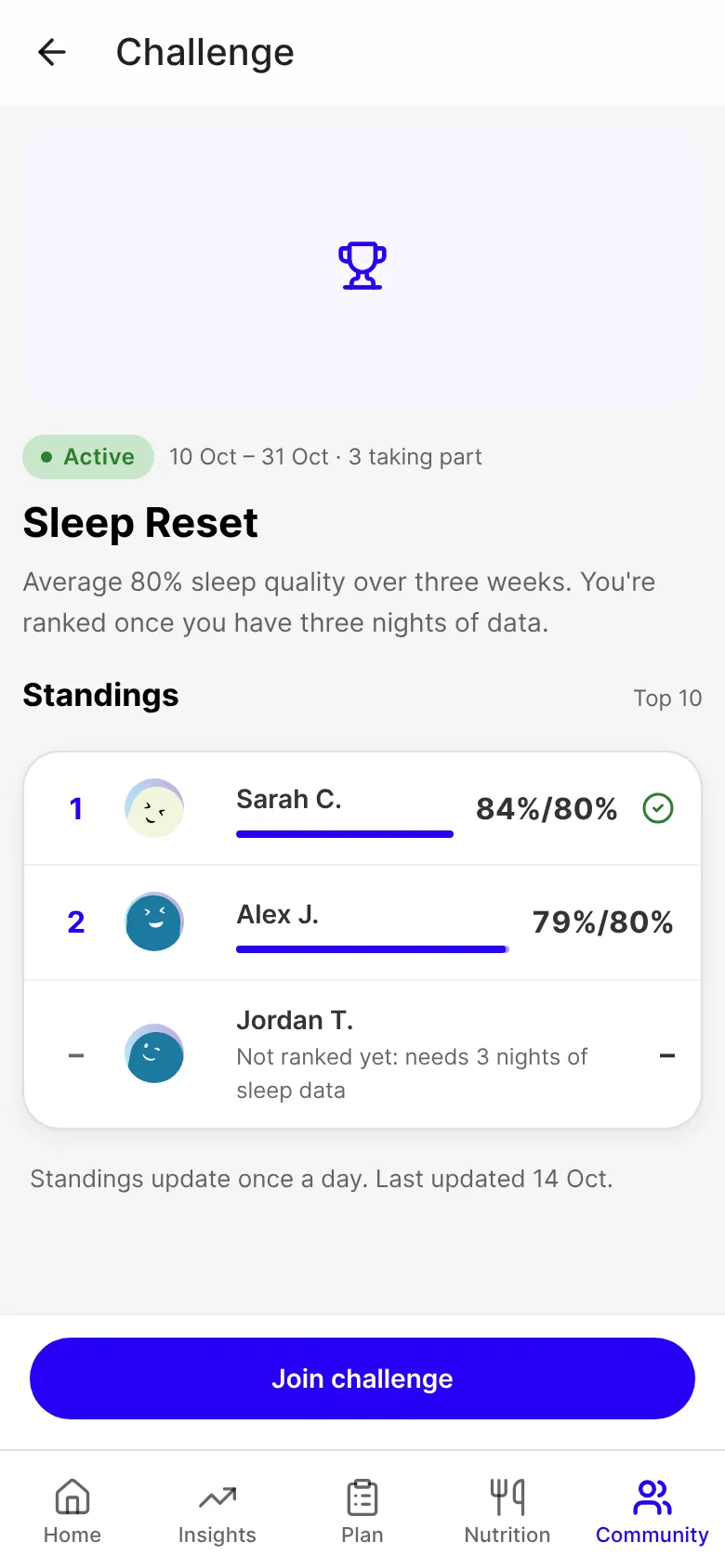
- Only clients with health data connected can join. In the app, a client who hasn't connected it is shown how, in place of a Join button. On the web, where health data can't be connected, they're told to open the app.
- Clients under 18 can follow a challenge but not join it, as with other challenges.
- If you add clients to a challenge yourself, only those with health data connected are added.
- A sleep quality challenge needs to run for at least three days.
- Leaderboards work as they do for your other challenges: they show only clients who've opted in.
- Live on the web now. It reaches the iOS and Android apps with their next store update.
Get started
- Open Community in your sidebar, then the Challenges tab.
- Choose New challenge, and pick Steps, Active calories or Sleep quality as the type.
- Add a name, a target if you want one, and the dates, then choose Create challenge.
- Ask your clients to connect their health data in the FitFocus app, then join from Community.

Written by
FitFocus
FitFocus writes about coaching software, pricing, and the business of running a premium coaching practice. FitFocus is part of the Hale Health ecosystem.
Keep reading

The Exercises Coaches Are Programming Less (And What Replaced Them)
Nothing was banned. Five once-standard movements sit at the thin end of premium programming now: the crunch, the upright row, behind-the-neck work, good mornings and unstable-surface loading.

The Movements Every Coach Programs, Whatever the Goal
Powerlifting, physique, rehab, CrossFit: the specialties barely resemble each other. Across 70,000 logged workouts, the same five movement patterns sit under all of them.

Do Coaches Program Warm-Ups? What Premium Practices Do Before the Working Sets
Warm-up, mobility and activation work is close to one in ten programmed movements, and nearly four in ten practices build a prep block. What 70,000 workouts show about the work before the first set.