
Charge for a program when you share it
Sell a client one of your packages, or send a one-off invoice, from the program builder at the moment you share their program.
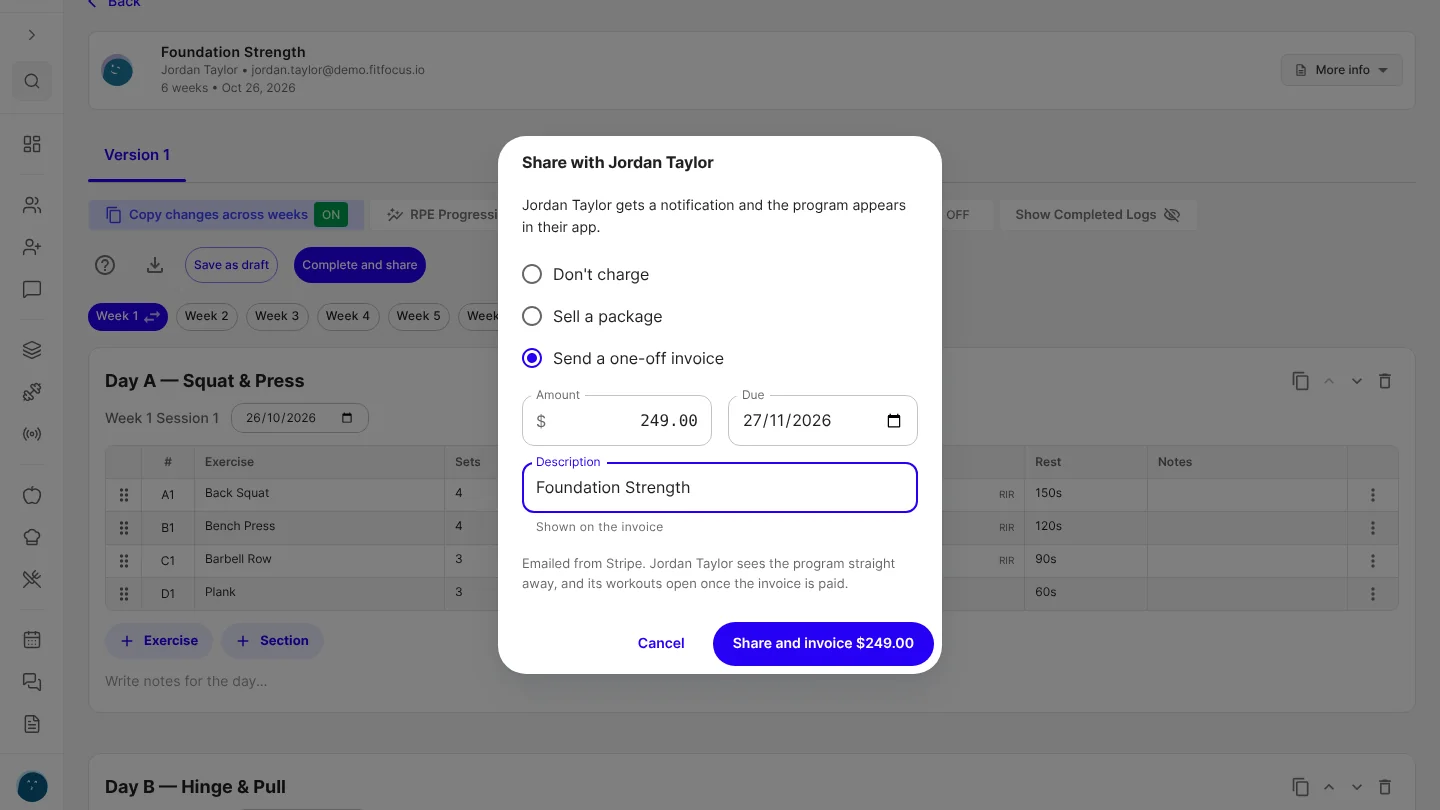
You can now charge a client for a program at the moment you share it: sell them one of your packages, or send a one-off invoice. Until now, that meant a second trip to the client's Billing tab after sharing it from the program builder.
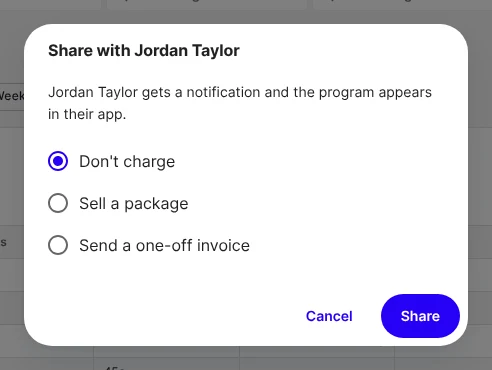
Choose how to charge
In a client's draft program, choose Complete and share. A short Share step opens with three choices.
- Don't charge shares the program as it always has.
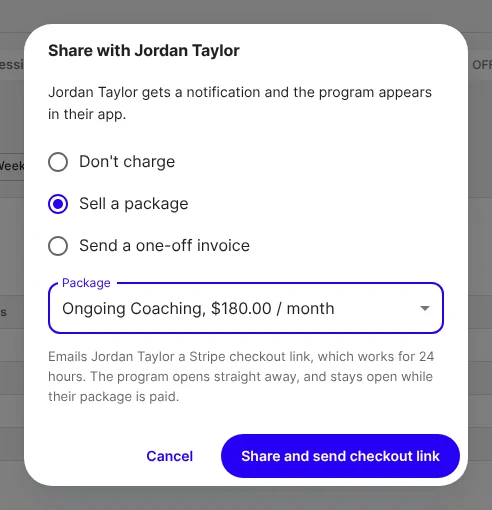
- Sell a package lists your active packages and their prices. Pick one and choose Share and send checkout link.
- Send a one-off invoice is for a program priced on its own. Enter the amount and choose Share and invoice.
Sell one of your packages
Your client is emailed a Stripe checkout link for the package. The link works for 24 hours. The program opens straight away, and stays open while their package is paid, as it does for a package sold from Billing, where the sale shows with your other payments.
If a package includes template programs, the Share step says that paying also adds them to your client's programs.
Or send a one-off invoice
The due date starts a week from today, and the description starts as the program's name. Change either before you send. The description is what your client sees on the invoice. Your client sees the program in their app straight away, and its workouts open once the invoice is paid.
If your client already has a package
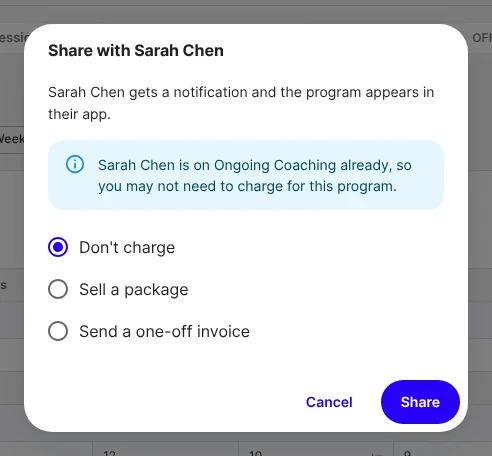
When your client is already on a package, the Share step tells you before you share, so you don't charge them twice.
Good to know
- Charging when you share is for workspace admins, once your Stripe account is connected and taking payments. Coaches without admin access, and workspaces without Stripe, see Complete and share work as it always has.
- The program is shared first. If the link or invoice can't be sent, the message says so and points you to the client's Billing tab. The program is never shared twice.
- It's offered when you first share a program. Create new version on a live program doesn't charge again.
- Live on the web now. It reaches the builder in the iOS and Android apps with their next store update.

Get started
- Connect Stripe in Billing › Settings, if you haven't already.
- Open a client's draft program in the builder and choose Complete and share.
- Choose Sell a package or Send a one-off invoice, then share.

Written by
FitFocus team
FitFocus writes about coaching software, pricing, and the business of running a premium coaching practice. FitFocus is part of the Hale Health ecosystem.
Keep reading
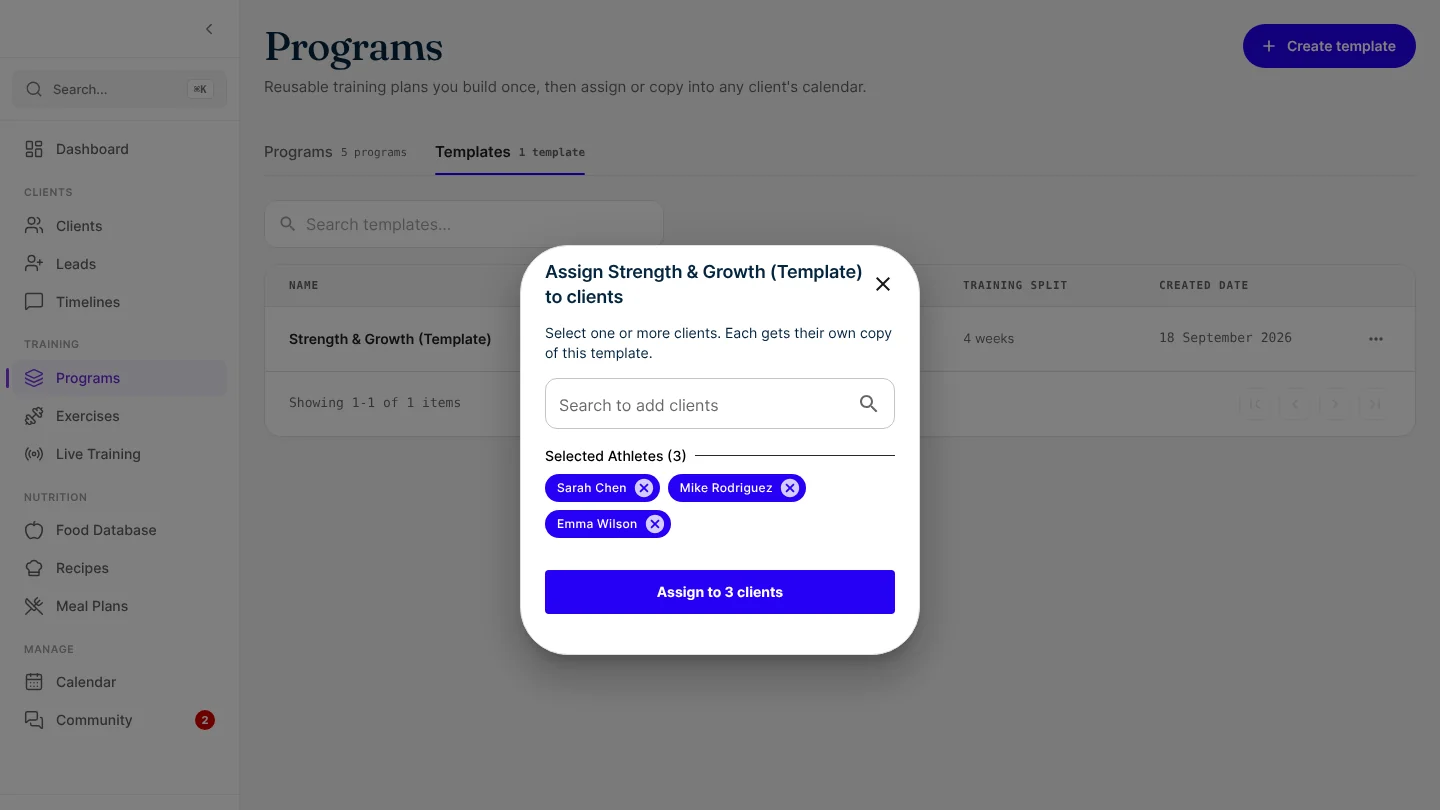
Assign a program template to your whole group at once
Pick every client in one go and each gets their own copy of the program. If one can't be assigned, the rest still are, and you retry only that one.
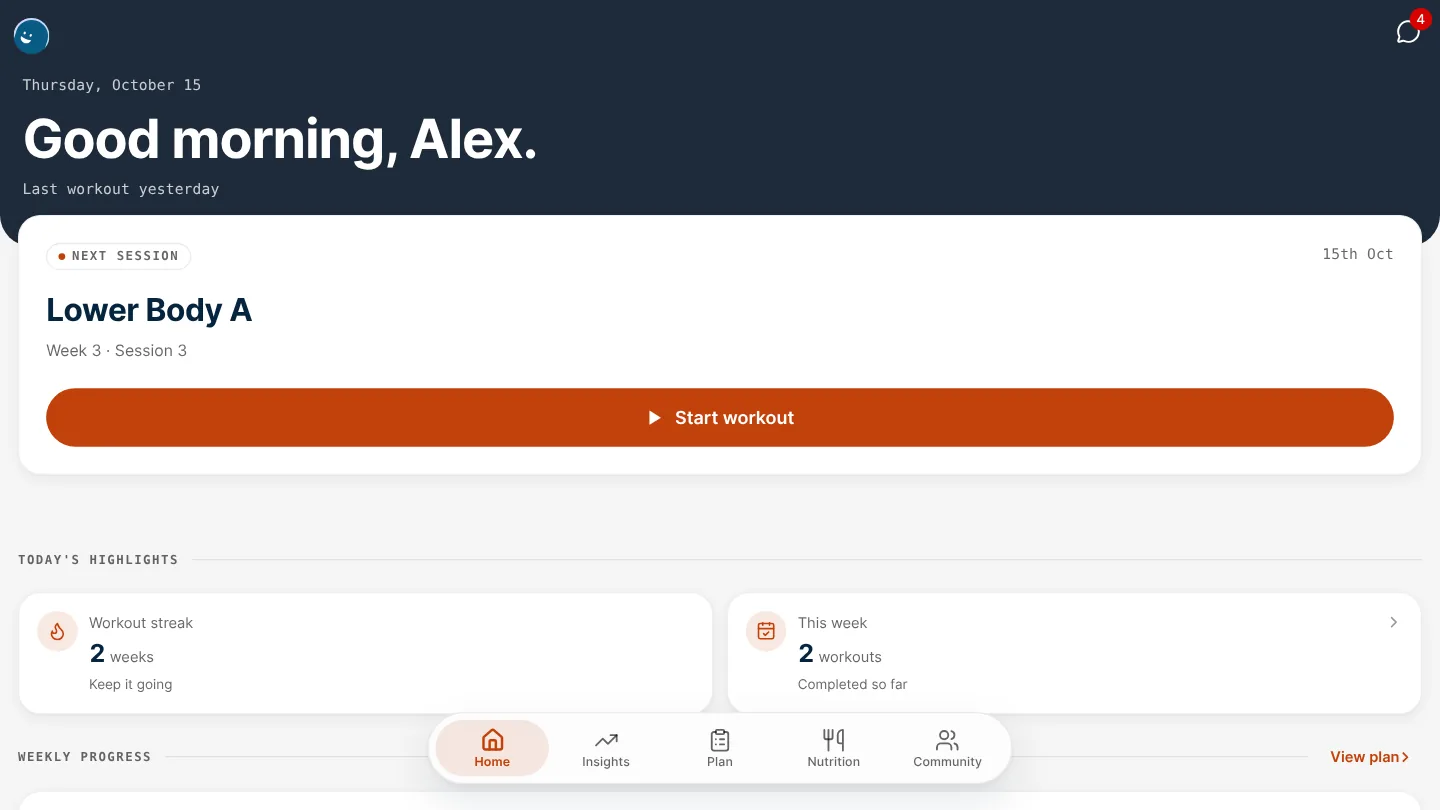
Give your app's header its own colour
Your white-label app's header can now have a colour of its own, apart from the primary colour on your buttons, links and selected items.
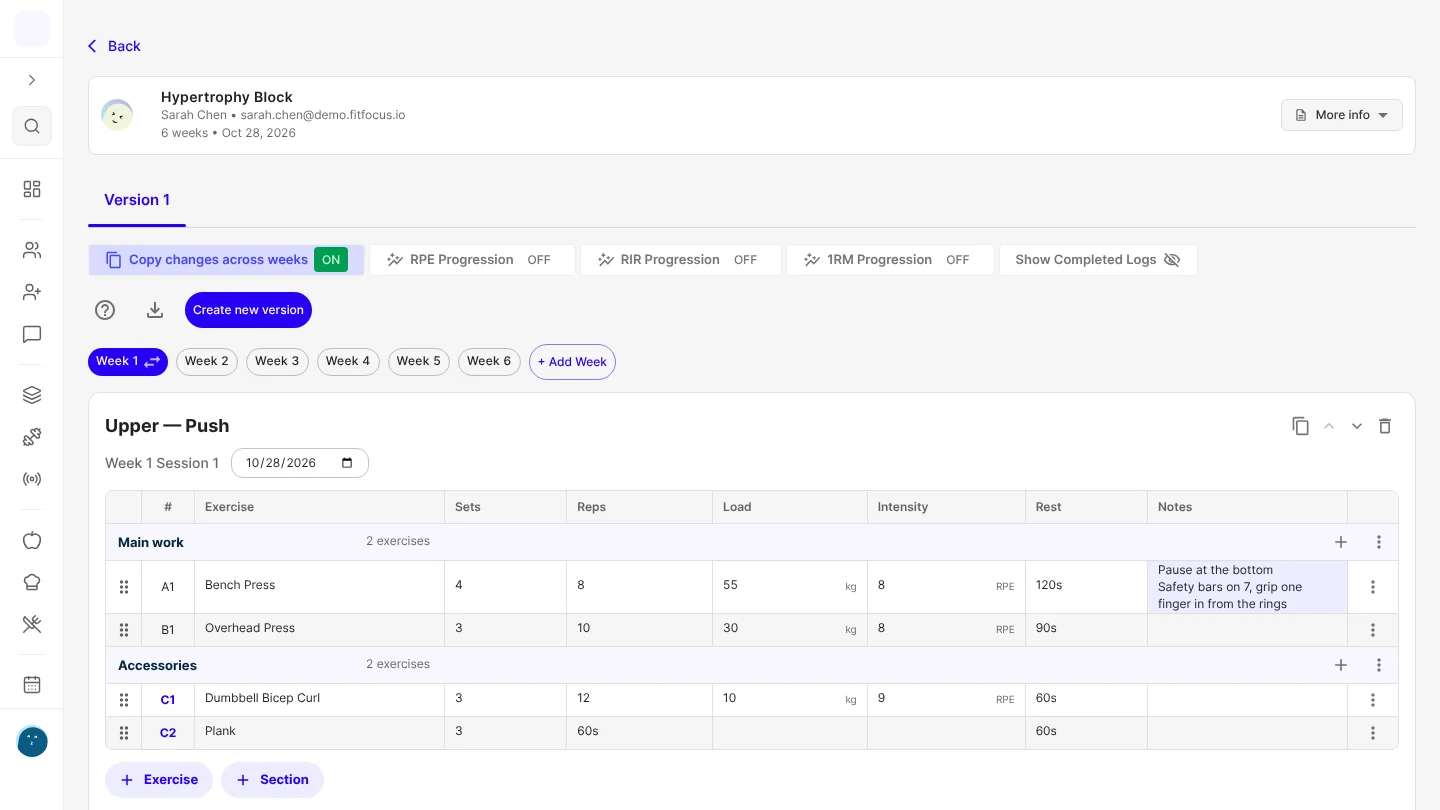
Save a client's setup on an exercise, and it fills in every time you program it
Save a client's seat height or safety-bar setting once, and it's added to that exercise's Notes every time you program it for them, templates included.