
Assign a program template to your whole group at once
Pick every client in one go and each gets their own copy of the program. If one can't be assigned, the rest still are, and you retry only that one.
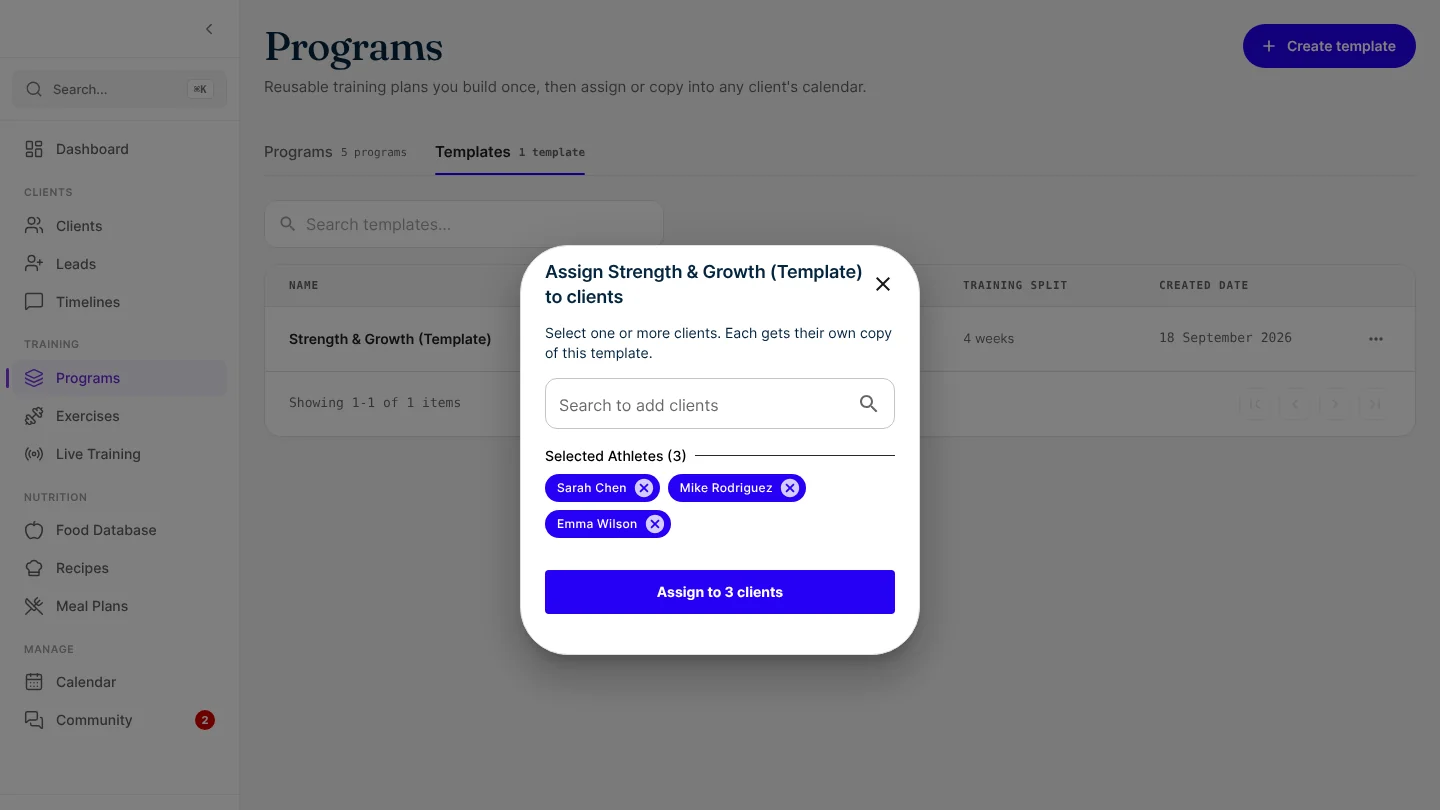
You can now assign a program template to several clients in one go, instead of one client at a time. Starting a group block or moving a cohort onto its next phase takes one step.
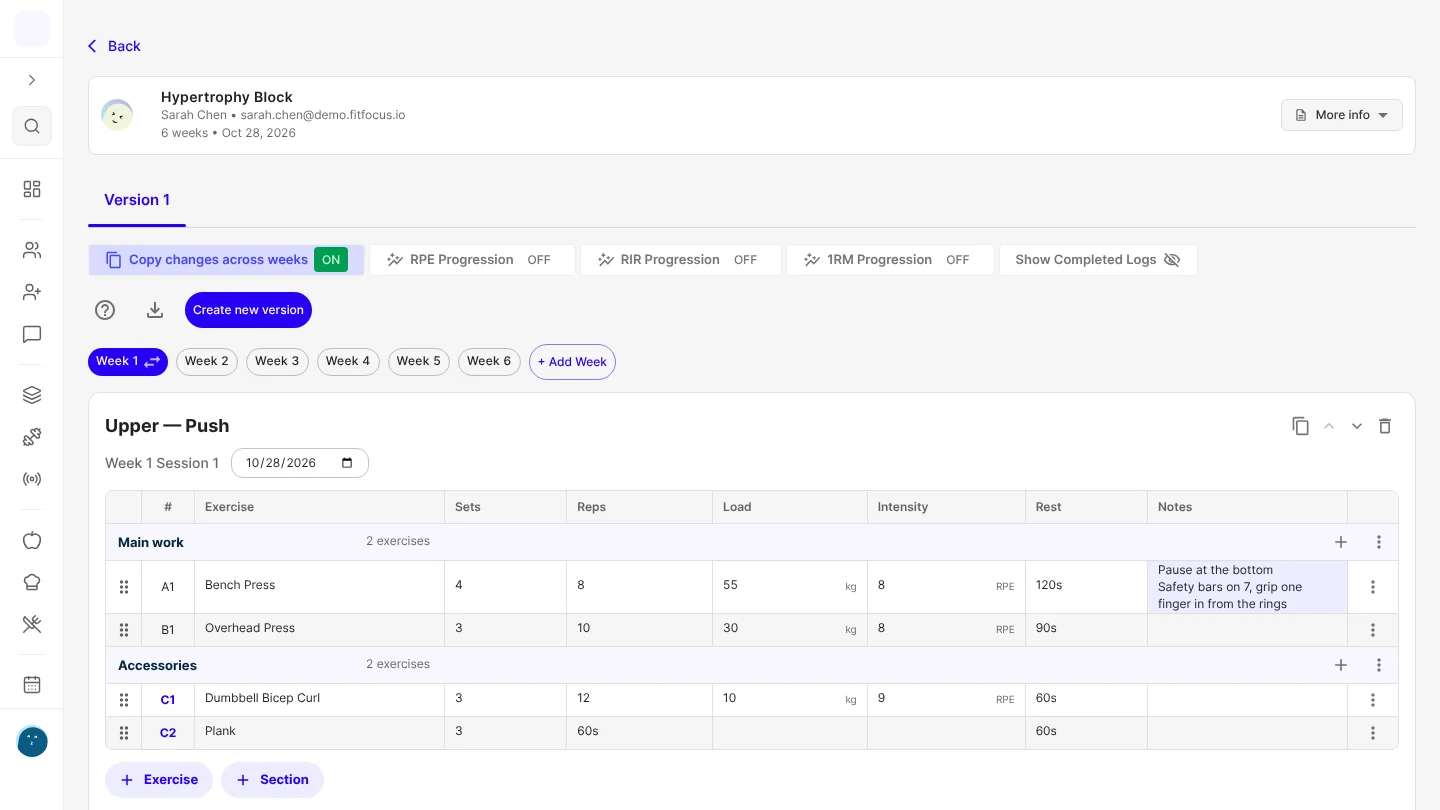
Each copy is an ordinary program in the workout program builder. It keeps the template's sections and superset labels, and any setup notes you've saved for that client are added to it.
Choose as many clients as you need
Search for a client and select them, then keep searching to add more. Each one appears as a chip, and the × removes anyone you added by mistake. The button tells you how many clients you're assigning to.
Each client gets their own copy of the program, so you can still adjust weights, swap exercises or add notes for one person without changing anyone else's.
If a client can't be assigned
One problem doesn't hold up the group. Everyone who can be assigned still gets the program. The window then lists who it couldn't be assigned to and why, and keeps only those clients selected. Fix the issue and choose Assign again: clients who already have the program don't get a second copy.
Good to know
- For admins and coaches. Live on the web now. It reaches the iOS and Android apps with their next store update.
- The window starts empty each time you open it, so clients chosen for one template aren't carried over to the next.
Get started
- Go to Programs and open the Templates tab.
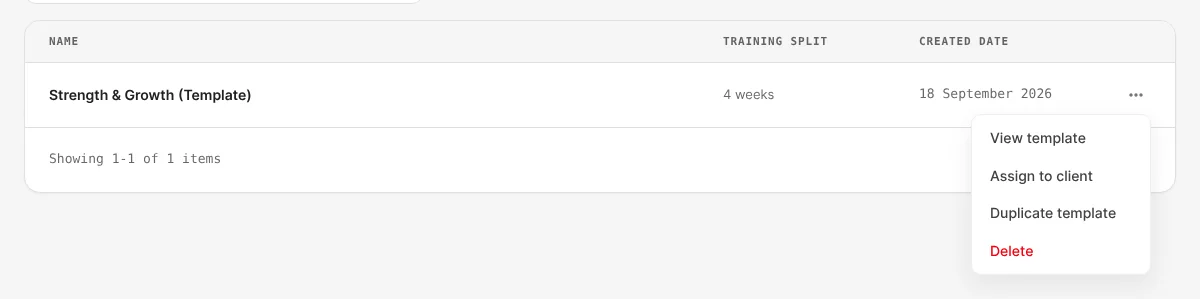
- Open the menu next to a template and choose Assign to client.
- Search for and select each client.
- Choose Assign to 3 clients (or however many you picked).

Written by
FitFocus team
FitFocus writes about coaching software, pricing, and the business of running a premium coaching practice. FitFocus is part of the Hale Health ecosystem.
Keep reading
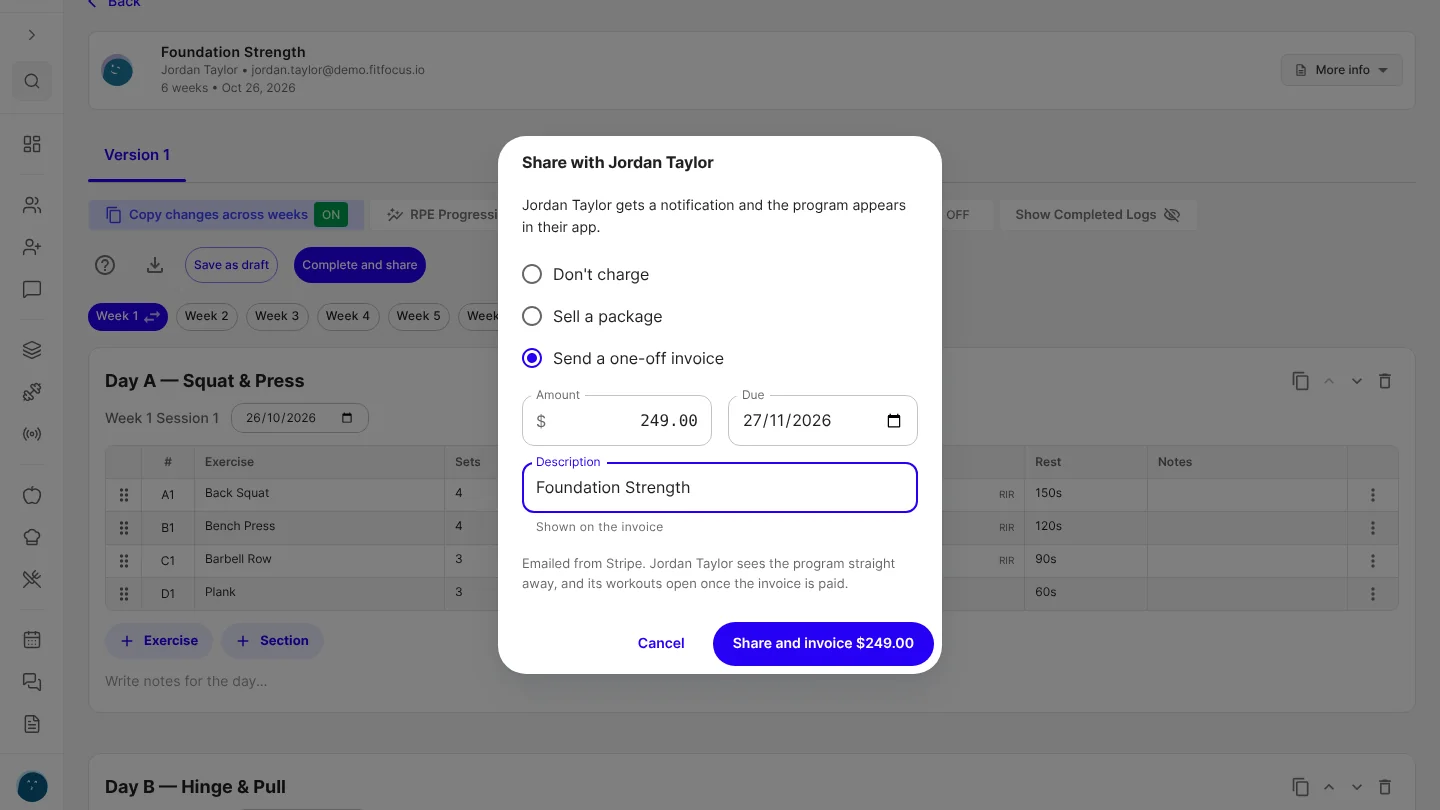
Charge for a program when you share it
Sell a client one of your packages, or send a one-off invoice, from the program builder at the moment you share their program.
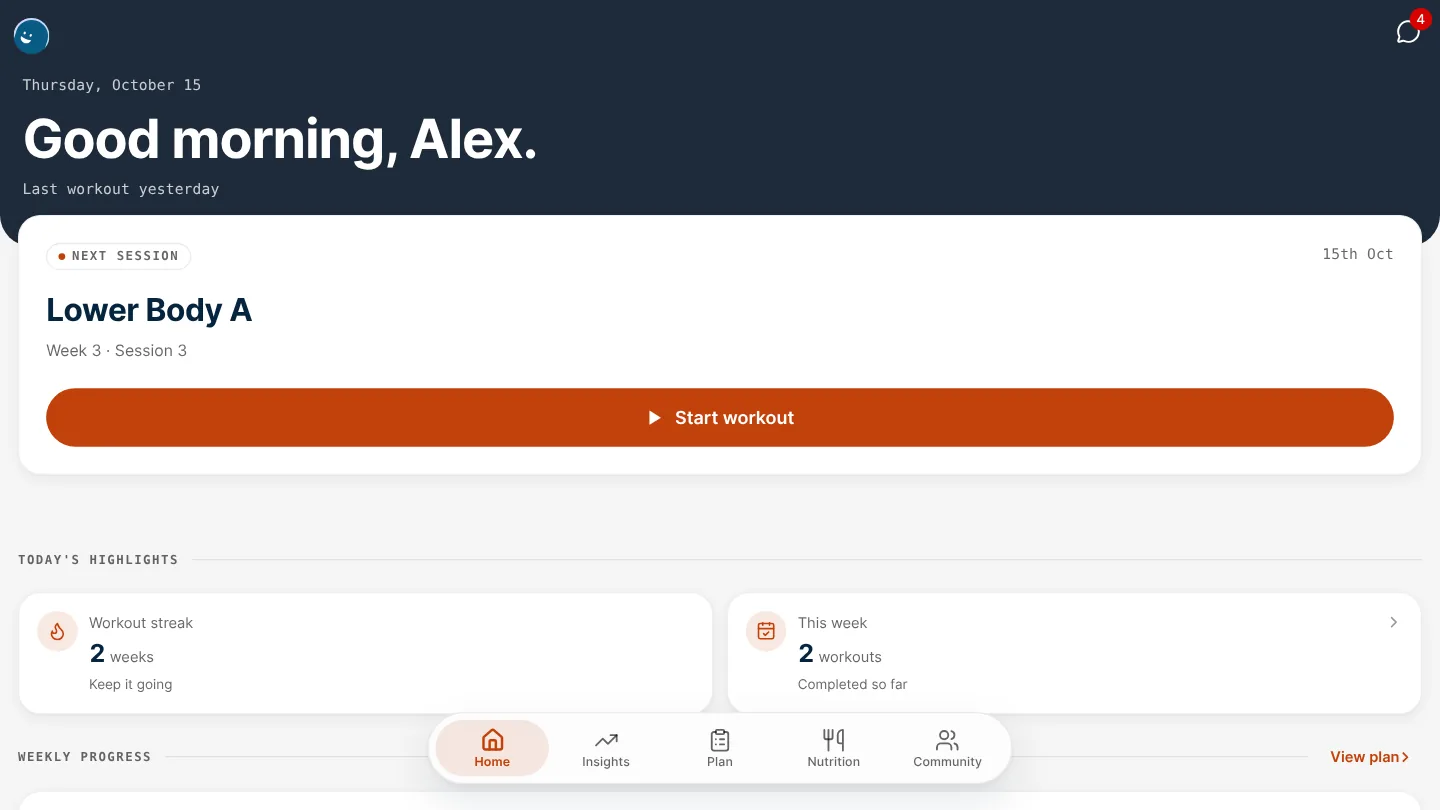
Give your app's header its own colour
Your white-label app's header can now have a colour of its own, apart from the primary colour on your buttons, links and selected items.
Save a client's setup on an exercise, and it fills in every time you program it
Save a client's seat height or safety-bar setting once, and it's added to that exercise's Notes every time you program it for them, templates included.