
Give your app's header its own colour
Your white-label app's header can now have a colour of its own, apart from the primary colour on your buttons, links and selected items.
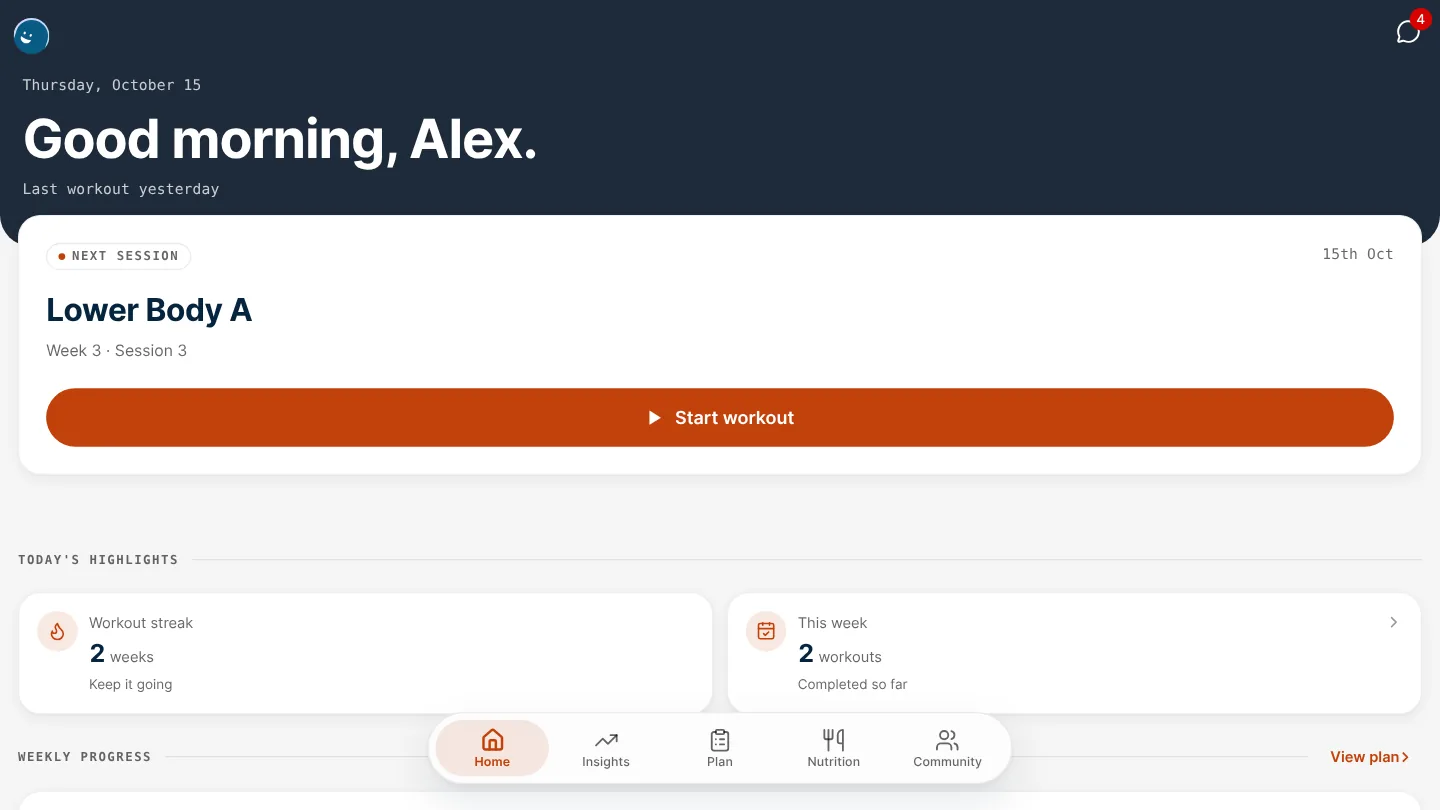
Your primary colour used to paint both the header at the top of your clients' app and every button in it. Now the header can have a colour of its own, so a navy header can sit over orange buttons and each still stands out.
Set a header colour
In Settings › Branding, under Colours, there's a new Header colour. It colours the top of your clients' Home and Nutrition screens. Your Primary colour stays on buttons, links and selected items. The preview beside the fields shows the two together before you save.
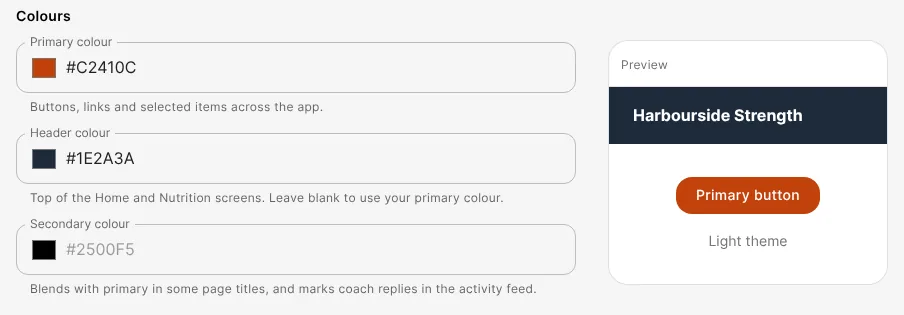
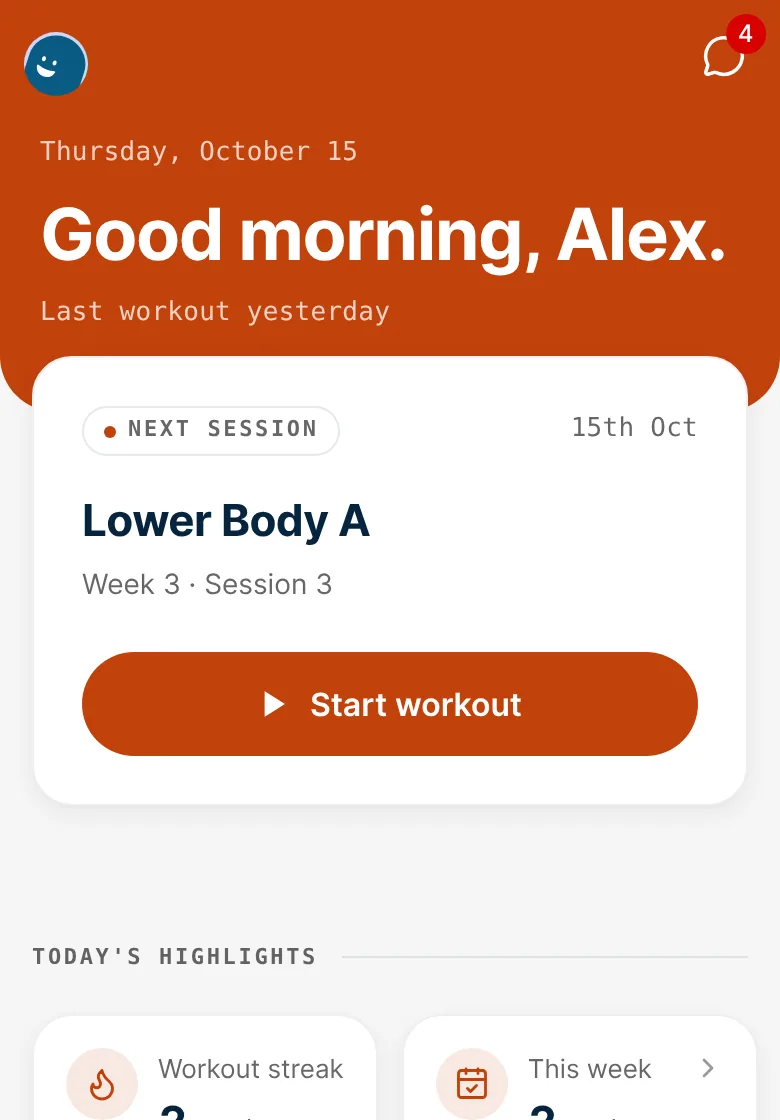
Leave Header colour blank and the header stays in your primary colour, exactly as it is today.
Where it shows
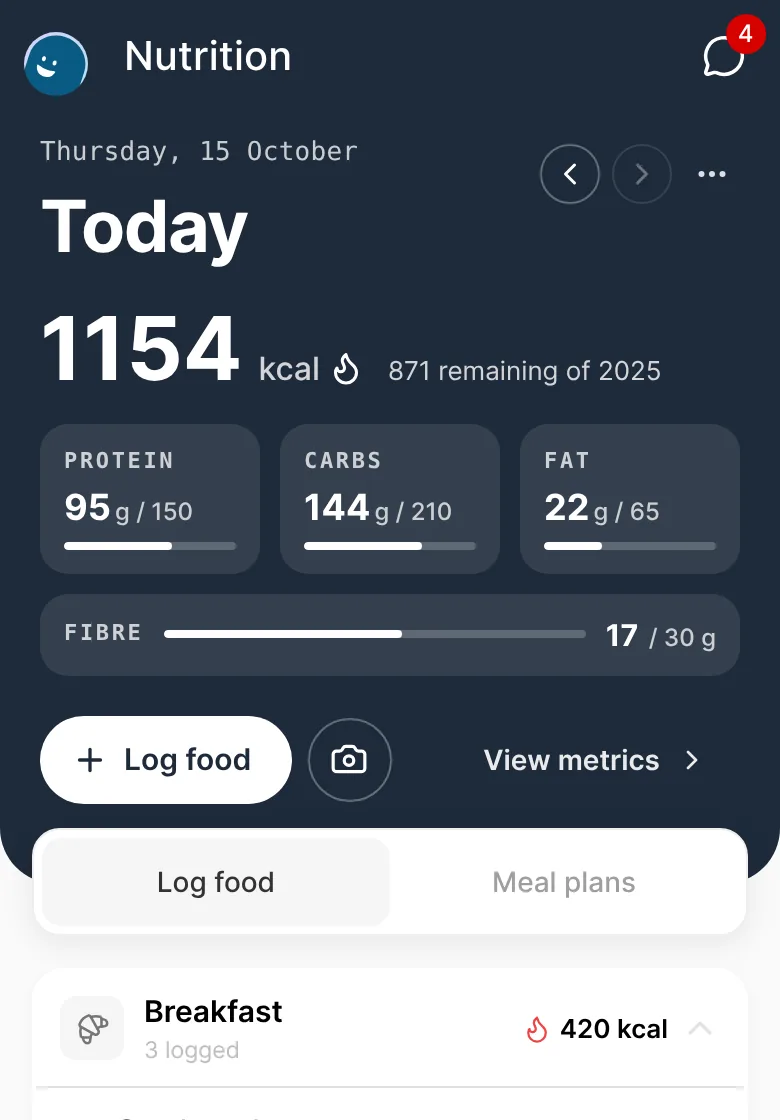
- Home and Nutrition. The header, and the strip behind the phone's status bar above it.
- Text on the header. The greeting, date and icons turn white or dark to suit the colour you pick, so a pale header stays readable.
- Shared workouts. The workout card your clients share uses the header colour too.
Good to know
- Header colour is part of Branding, which is available to organisations with their own branded app.
- Each colour on the Branding tab now says where it's used. Secondary colour works as before.
- The Accent colour field has been removed. It never changed anything in the app.
- In dark mode the header keeps the colour you chose.
- If your organisation has its own app in the App Store and Google Play, its colours are built into the app, so a new header colour reaches it with your app's next store update.
Get started
- Go to Settings › Branding.
- Under Colours, choose a Header colour.
- Check the preview, then choose Save branding.

Written by
FitFocus team
FitFocus writes about coaching software, pricing, and the business of running a premium coaching practice. FitFocus is part of the Hale Health ecosystem.
Keep reading
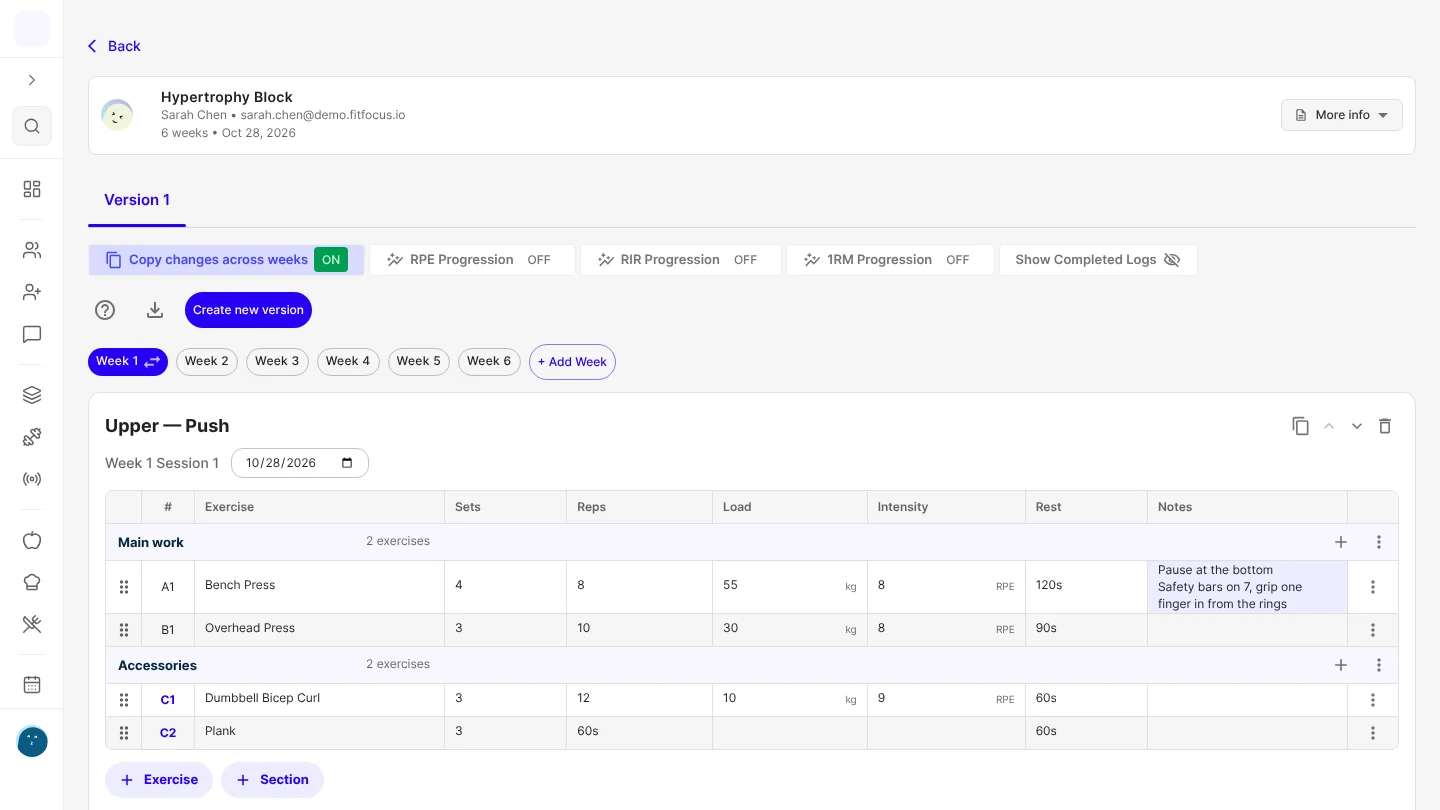
Save a client's setup on an exercise, and it fills in every time you program it
Save a client's seat height or safety-bar setting once, and it's added to that exercise's Notes every time you program it for them, templates included.
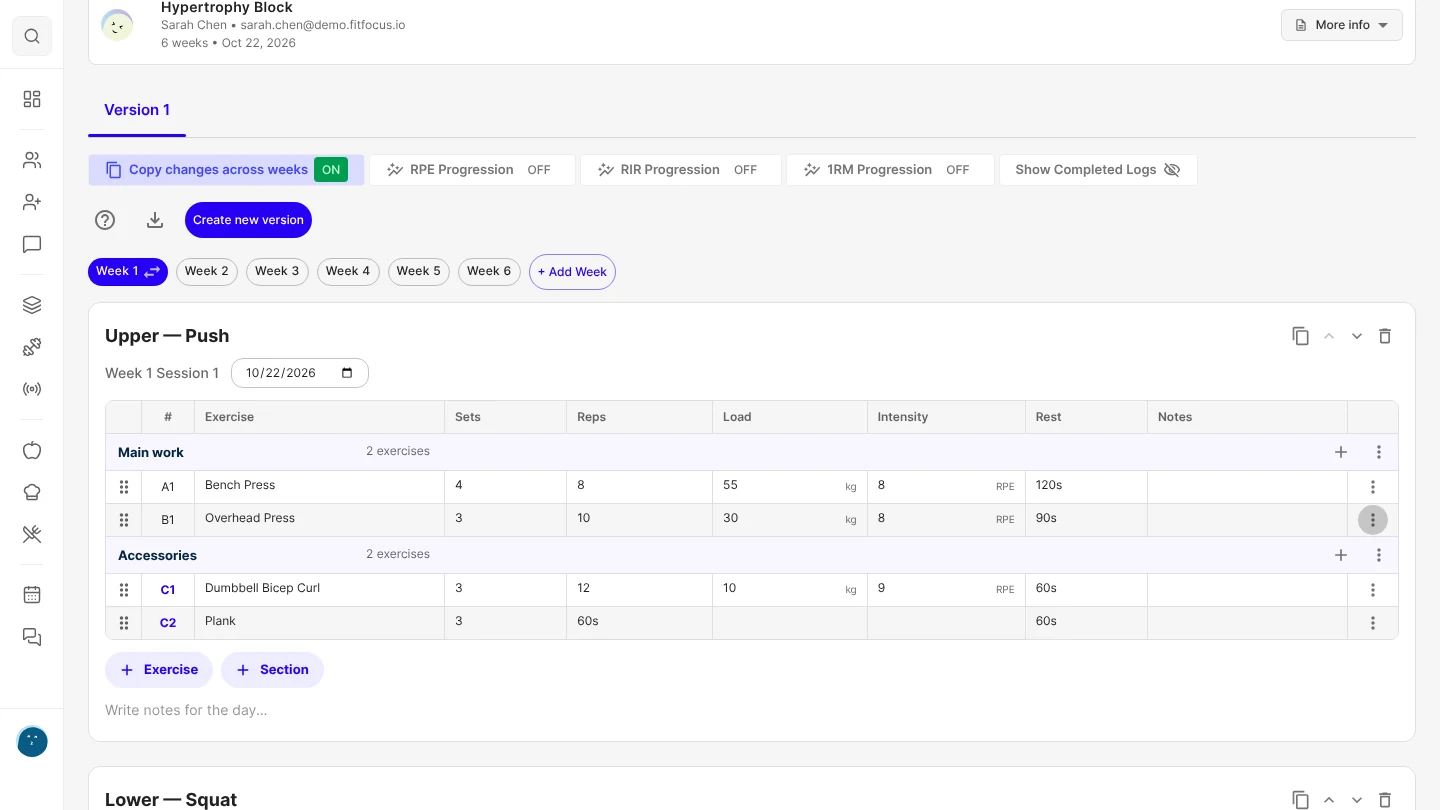
Organise a session into sections, and superset with A1, A2
Group a session's exercises under headings like Warm-up and Main work, and superset by typing A1, A2. Your clients see the headings in their workout.

2,051 Exercise Names in One Month: The Case for One Library
In October 2026, coaches on FitFocus wrote 2,051 differently named exercises, including 20 names for the triceps pushdown alone. Most of that variety is harmless. The duplicates inside one business are not.