
Replies now show at the bottom of the chat
A reply to an older message now also shows at the bottom of the chat, quoting what it answers, so neither you nor your client misses it.
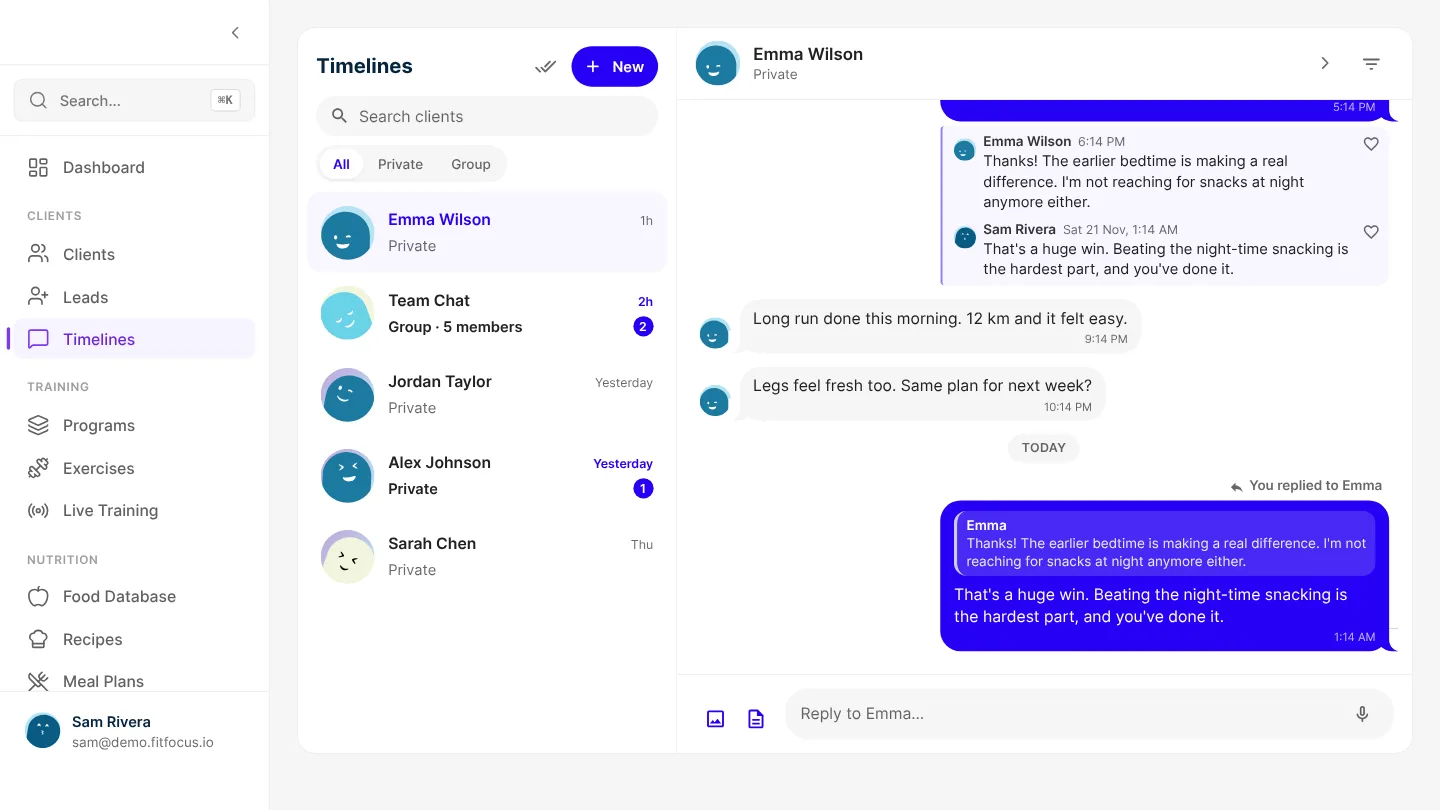
When you replied to an older message in Timelines, your reply sat in the thread under that message, above everything sent since. If your client had posted in the meantime, nothing at the bottom of the chat told them you'd answered, and their replies to you were just as easy to miss. Now a reply also shows at the bottom of the chat, at the time it was sent, with a quote of the message it answers.
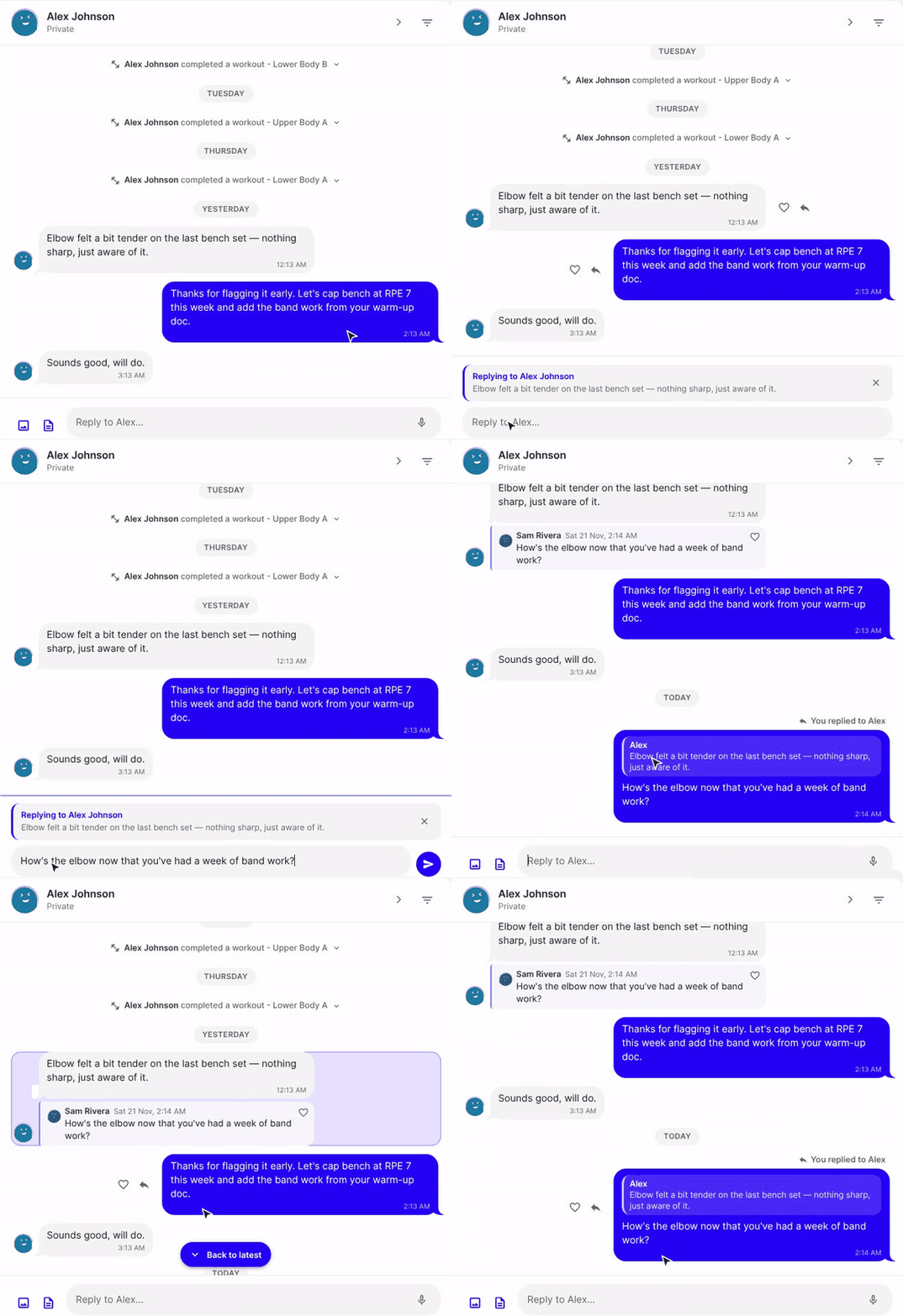
A reply shows where it happened
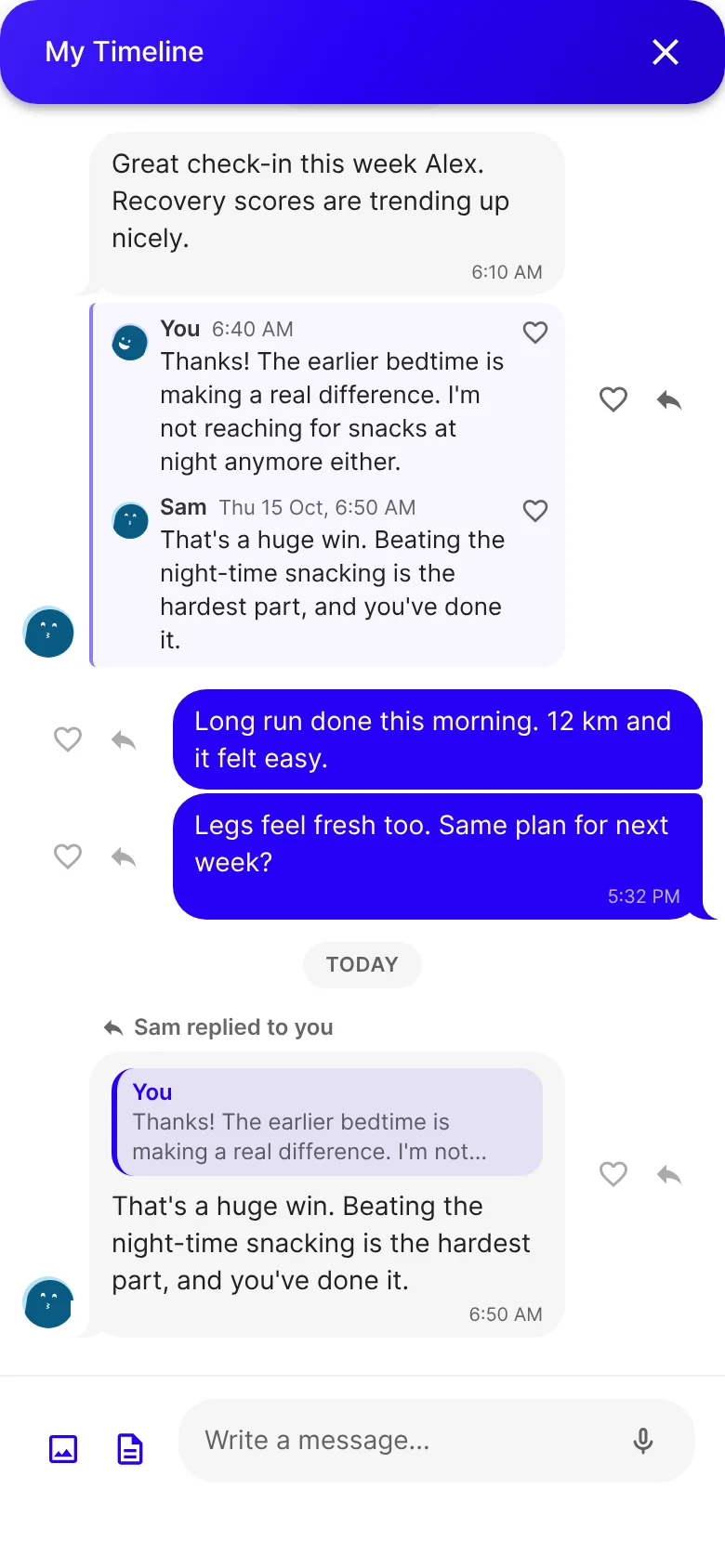
- A line above it says who replied to whom: "You replied to Emma", or "Sam replied to you".
- Inside the message, a quote shows what it answers, up to two lines. A photo shows as a thumbnail, and a voice note or a document is labelled as one.
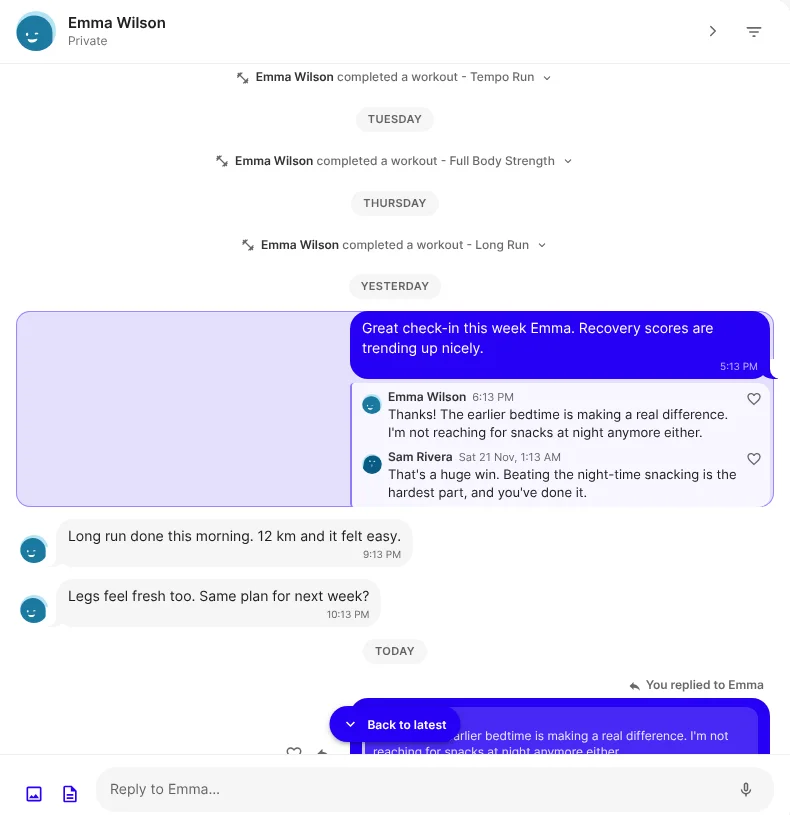
- The thread under the original message stays exactly as it was, so the reply is in both places.
- A reply sent while its message is still the newest in the chat stays in the thread only, because the thread is already at the bottom.
Jump to the thread it belongs to
Tap the quote and the chat scrolls up to the thread and highlights it, so you can read the whole exchange. Back to latest takes you back down. If the thread is a long way back, the chat loads older messages to find it.
Your clients see it too
Your clients' chat works the same way, so your reply is the first thing they see when they open it. The notification says it's a reply too: "Sam Rivera replied to your message", where it used to say "left a message".
Good to know
- It works in private and group chats. In a group, the line names both people, such as "Ashton replied to Clare-Ann".
- Replies you've already sent show this way too. There's nothing to switch on.
- It's live on the web now, including in a phone's browser. The iOS and Android apps get it with their next store update. Until then, replies sent from the apps keep the old notification wording.
Get started
- Open Timelines and choose a conversation.
- Choose the reply arrow beside a message. On a computer, it shows when you hover over the message.
- Write your reply and send it. It shows at the bottom of the chat, quoting the message you answered.

Written by
FitFocus team
FitFocus writes about coaching software, pricing, and the business of running a premium coaching practice. FitFocus is part of the Hale Health ecosystem.
Keep reading
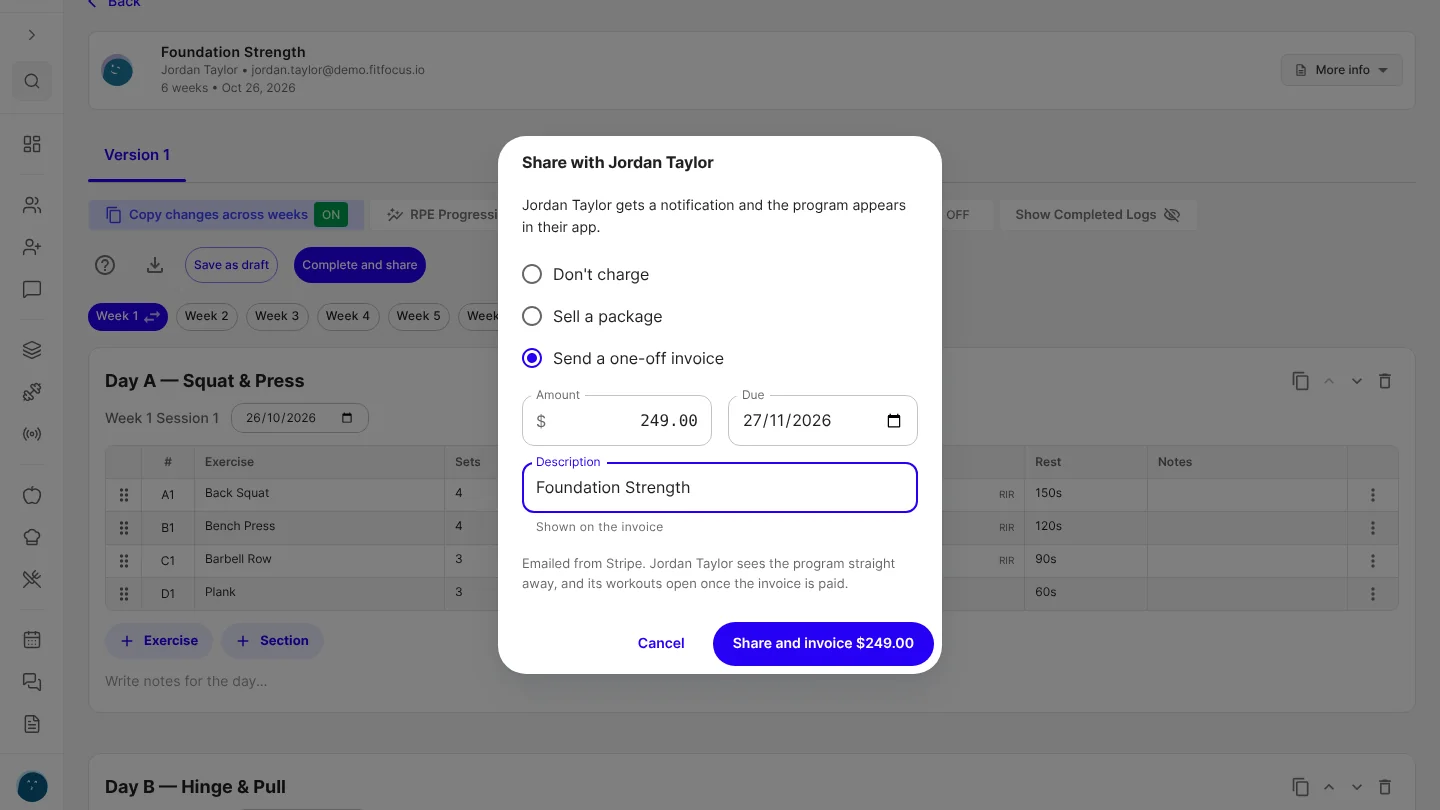
Charge for a program when you share it
Sell a client one of your packages, or send a one-off invoice, from the program builder at the moment you share their program.
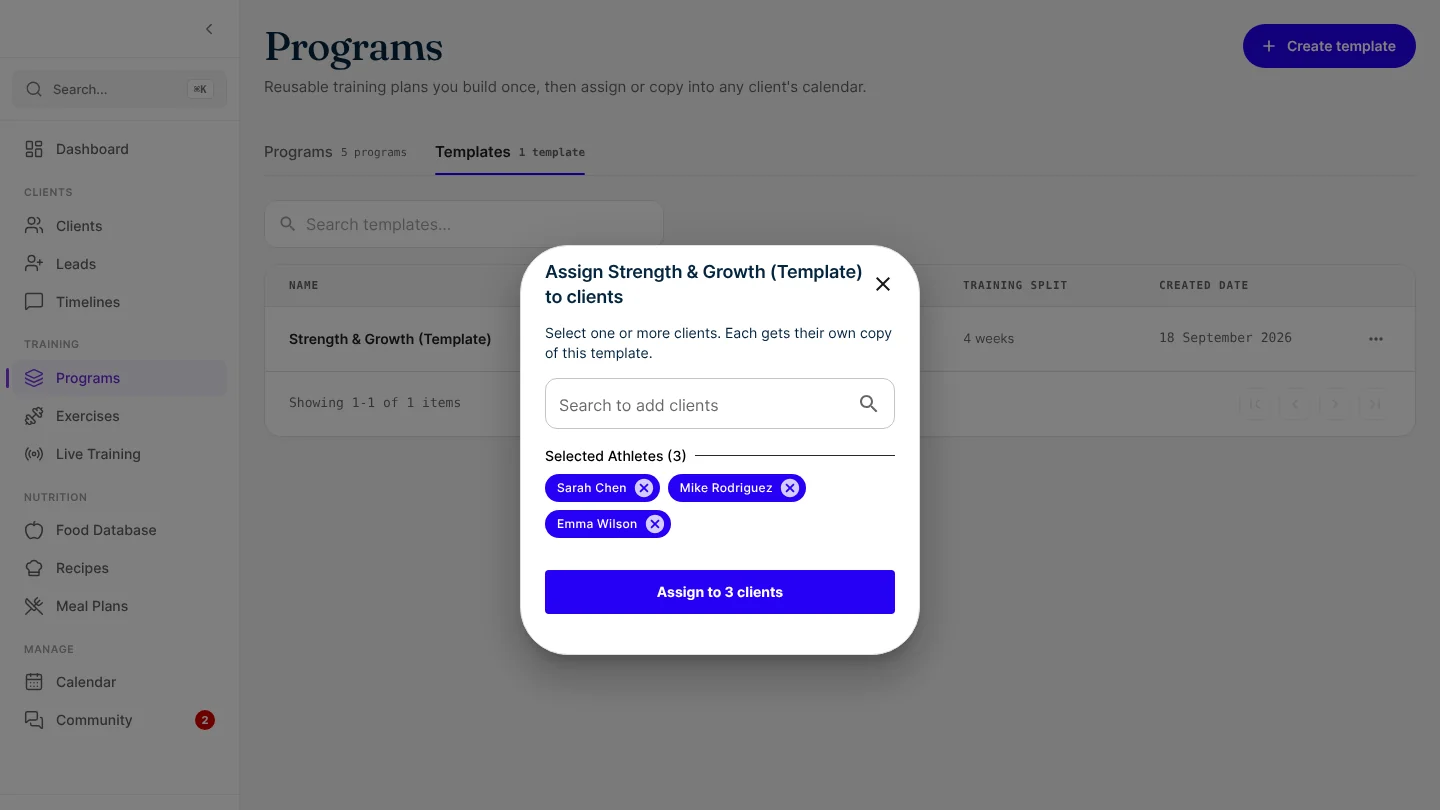
Assign a program template to your whole group at once
Pick every client in one go and each gets their own copy of the program. If one can't be assigned, the rest still are, and you retry only that one.
Give your app's header its own colour
Your white-label app's header can now have a colour of its own, apart from the primary colour on your buttons, links and selected items.