
Migration as an Operations Project: Moving a Team to New Coaching Software Without Losing a Week
The platform decision is made; the migration is the project that can still lose a month. Four phases, readiness to first-week review, what transfers and what does not, and the fragile first weeks handled deliberately.

Photo by Vitaly Gariev on Unsplash
The decision to change platform has been made, argued over, and signed off. What sits in front of the team now is the part that loses weeks when it is done badly: the migration itself. For a multi-coach business, moving software is an operations project with four phases, and running it as a project is the difference between a team coaching out of the new system on the planned date and a business discovering in month two that its history never arrived. This page is that project plan, at team scale, for a migration that is already decided.
The decision itself is not relitigated here. Whether the platform is the constraint at all is the subject of our guide to when a coaching business outgrows its software, which this page assumes has been read and answered. What follows is execution: readiness, staff, clients, cutover, review.
How do you migrate a coaching team to new software?
Run the switch as four phases: readiness, where every data source is inventoried and both vendors confirm what can move; staff, where coaches are trained before the cutover, not after; clients, where the communication tells everyone what changes for them; and cutover, where the new system runs parallel, goes live, and is reviewed in its first week.
Phase one: readiness, or what actually transfers
The readiness phase is an inventory, and its one rule is that everything the business holds gets counted as either inside the platform or outside it. Client records, programs, exercise libraries, check-in history, billing state: if these live in the current platform, they can travel, as far as the two platforms allow. What lives in spreadsheets, chat threads, and personal notebooks does not travel by itself, and it is where the real migration hours sit. The honest readiness output is that list, named per source, with an owner for each.
How much of the inside-platform data actually moves depends on both ends: what the current platform lets you take out, and what the new one can bring in. Ask both vendors, get the answers in writing, then test them with a dry run. Move a small slice of real data, a handful of clients with their programs and history, and check it in the new system before any client sees it. The dry run is the phase's real event, because it is where transfer assumptions get tested against actual data rather than assumed by both sides. Timelines vary with the vendors and with how much the business holds, so any number is the vendor's to state and yours to check.
Phase two: staff, and the training that has to precede the cutover
The most common team-scale migration failure is sequencing: coaches are asked to serve clients from a system they met that morning. Training lands before the cutover, on the migrated data, in the workspace the team will actually use, and every coach completes their first program build and their first check-in return in the new system while the old one is still available.
The parallel-running window that follows is what makes this phase safe. Both systems run for a short overlap; the coaches work daily in the new one, nobody deletes anything, and the comparison is honest rather than nostalgic. The window also surfaces the data gaps a dry run missed, while losing a week still costs nothing permanent. What does not belong in training is blank-slate discovery: the standard the team coaches to is the same before and after, and coaches should meet the new system as a change of tools, not a change of method.
Phase three: clients, and the fragile first weeks
A migration's real risk concentrates in one place: the clients, exactly when the business is asking them to re-download an app and trust that their history came with them. The communication phase is short and deliberate, and it says three things once: what is changing for you, what does not change, and what to do on day one.
What does not change carries the message. The client's program and coach stay; the brand on the app stays, because the migration's endpoint is the client logging into the new app and finding what they need already there, and that is the outcome the whole plan exists to protect. The invitations go out only once the data is confirmed in the new system, so whatever has moved is there to greet them. A migration that invites clients before their data is confirmed is testing the relationship at its most fragile point to save a day.
Phase four: cutover, parallel running and the first-week review
The cutover day is scheduled, not discovered: the date the old system stops taking new entries, the date the client invitations go out, and the date the coaches' daily work moves entirely, in that order. After the switch, the first-week review closes the project, and it reads five things against the readiness inventory:
- Every client on the roster has a live record in the new system, with whatever history moved.
- Every coach has built and delivered from the new system, not alongside it.
- The first scheduled check-ins in the new system have been returned, against the unchanged standard.
- Billing and scheduling ran without a gap in coverage across the switch.
- Anything outside the old platform, the spreadsheets above all, has been folded into the shared record, and the old system is retired rather than kept warm as a shadow database.
The first-week review is also where the migration pays its forward dividend honestly stated. A migration consolidates the data that the rest of the business runs on: per-coach assignment, the utilisation behind the capacity plan, the tenure arithmetic in the forecasts. If those margins were spreadsheets before the migration, the new system is where they become pullable, and the first-week review should confirm it rather than assume it.
The execution timeline, phase by phase
The phases below assume a multi-coach business. Extend them for a bigger data estate; the sequence does not change.
| Phase | Owner | Output before the phase closes |
|---|---|---|
| 1. Readiness | Owner or manager | Data inventory, owners named, dry run completed against real data |
| 2. Staff | Manager | Every coach has built and delivered once in the new system, on migrated data |
| 3. Clients | Owner | Communication sent; invitations scheduled after data confirmation |
| 4. Cutover | Manager | Old system frozen for new entries; parallel window closed; first-week review checklist passed |
What this page deliberately does not do
It does not re-run the decision. The platform comparisons live in their own places, dated and maintained: the shortlist for a business ready to scale and the one for multi-coach studios cover the selection question with dated pricing, and this page links rather than competes. It does not price the platforms here either, because pricing belongs with the dated sources and with the plan structures that frame it. For FitFocus, that is a few hundred US dollars a month, billed annually, with the exact price on a demo call. And it does not walk a solo coach through leaving their notes app, which is a different project with a smaller blast radius. What critics of platform changes get right is the risk; what this page adds is the order of operations that manages it.
The demo conversation, when the plan is real
A migration plan is at its most honest as a set of questions for each vendor: what transfers, what does not, what the dry run covers, and what the timeline is in writing. Ask them of every platform on the shortlist. If FitFocus is on yours, book a 30-minute demo to see whether it fits the way your team coaches.
Frequently asked questions
How long does a team migration to new coaching software take?
It depends on the vendors and on how much of the business lives outside the current platform, so get the timeline from both vendors in writing rather than from a rule of thumb. The project plan around it, staff training, client communication and the parallel-running window, is what keeps the switch from stretching into a lost month.
What transfers when a coaching team changes platform?
Whatever the current platform lets you take out and the new one can bring in, which is why both vendors answer that question in writing before the cutover, and the dry run tests it. What lives outside the platform, in spreadsheets and private notes, transfers only through the readiness inventory, which is why the inventory comes first.
Do coaches need to be trained before or after the cutover?
Before, on migrated data, and the difference is the whole risk case. A coach who has built a program and returned a check-in in the new system before clients arrive meets the cutover as a tool change. Training after the cutover asks the team to learn in front of the clients at the exact moment the business is most fragile.
What is the first-week review after a migration?
A five-point read against the readiness inventory: every client live in the new system, every coach delivering from the new system, first check-ins returned against the unchanged standard, billing and scheduling without a coverage gap, and the outside-the-platform data folded into the record. Passing it is what separates a migrated business from a migrated database.
The phases and outputs in this article are a structure that applies to any vendor's plan. Confirm what any migration transfers against real data before the cutover. This article is a guide for your own decisions, not financial advice.

Written by
FitFocus team
FitFocus writes about coaching software, pricing, and the business of running a premium coaching practice. FitFocus is part of the Hale Health ecosystem.
Keep reading
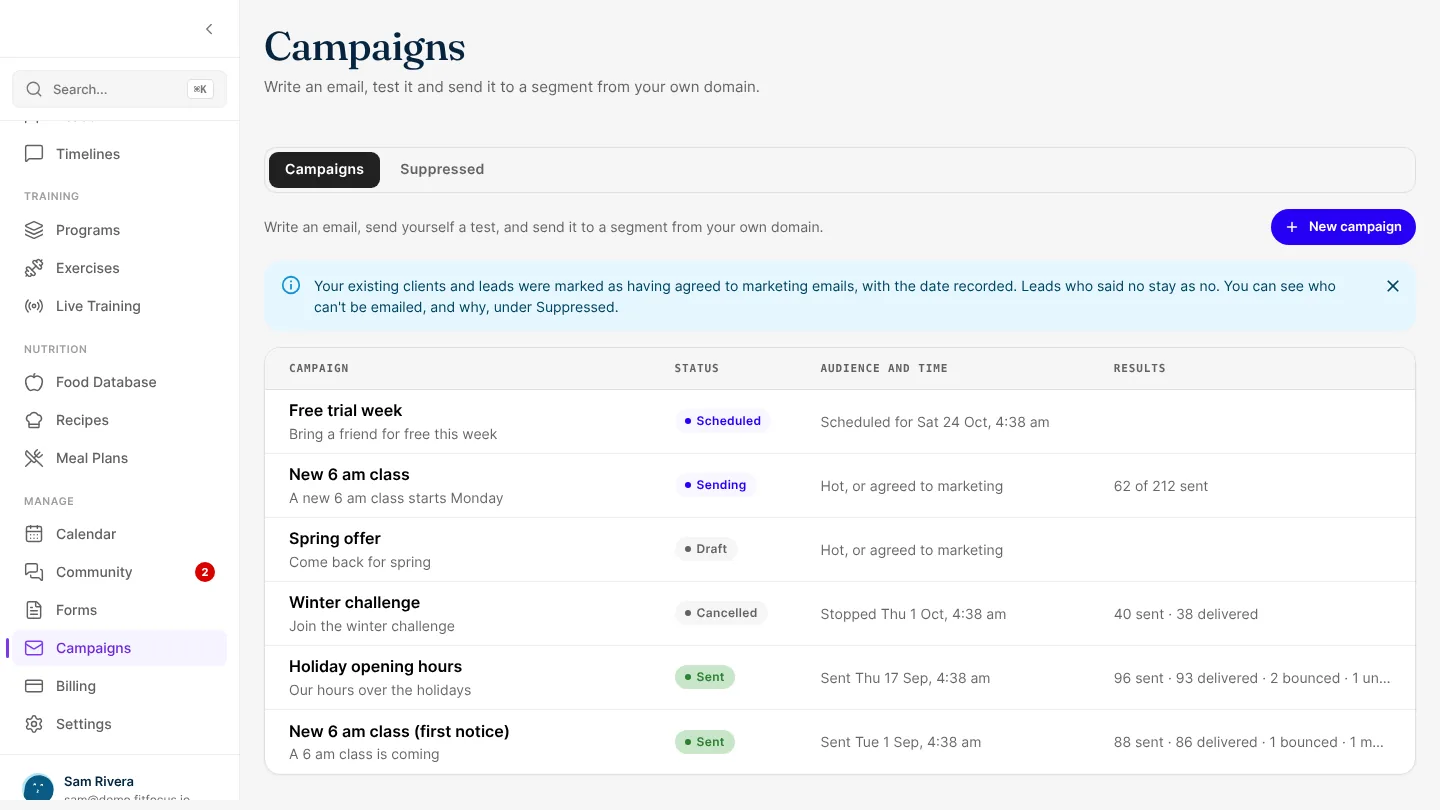
Send campaigns to your leads and clients from your own domain
Write an email in FitFocus, send it to a segment from your own domain, and see what happened. Unsubscribes are honoured at once, and opens are never tracked.

Onboarding a New Coach: The First Thirty Days on Your Team
Most coaching businesses onboard a new coach by shadowing and hope. This is the thirty-day plan that replaces it: a standard-led week one, co-delivery, supervised solo work, and the review that keeps quality after independence.
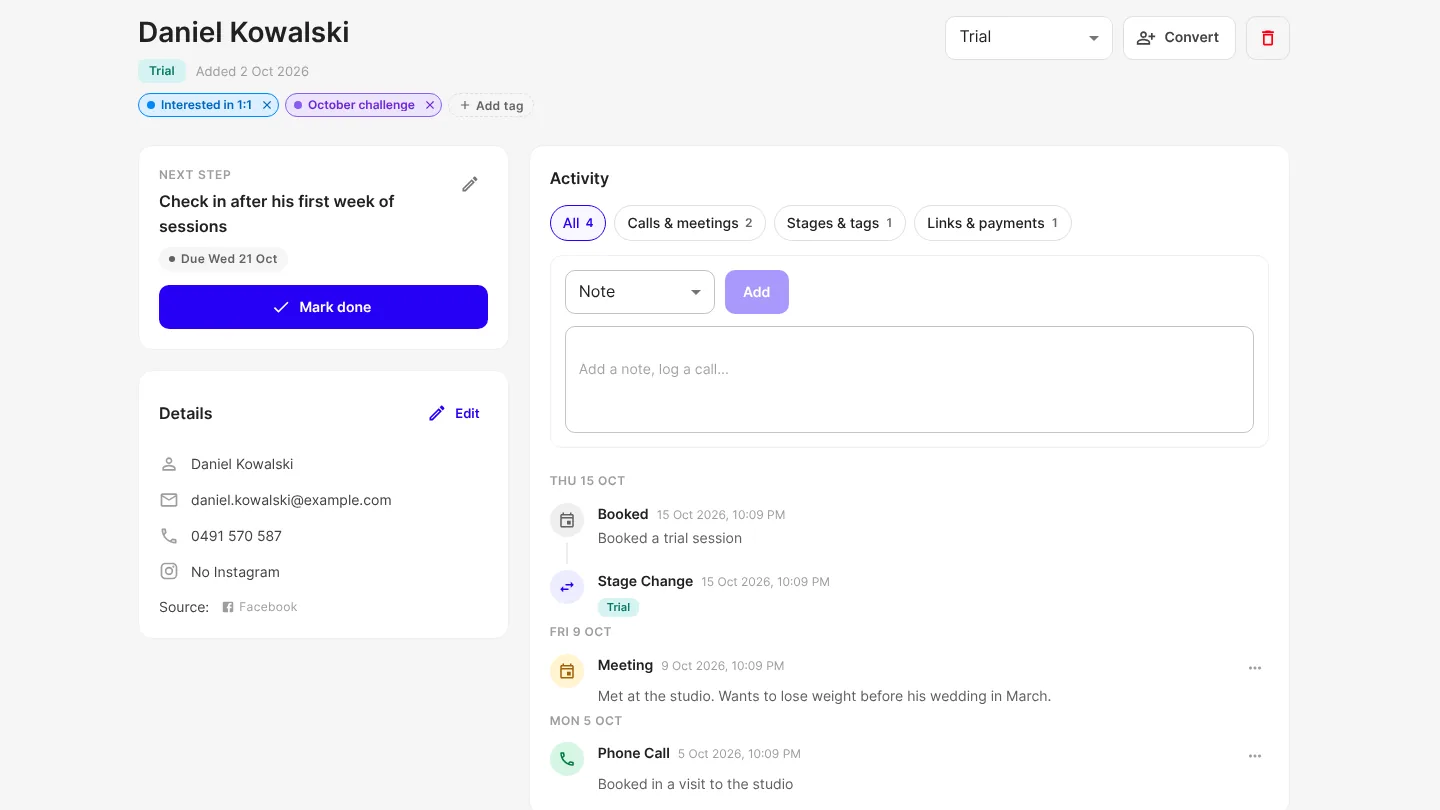
See everything about a contact, and tag and group them
Every lead and client gets one Activity history, and their lead history carries over when they become a client. Tag people, find them by tag and save a group as a segment.